AFTER EFFECTS

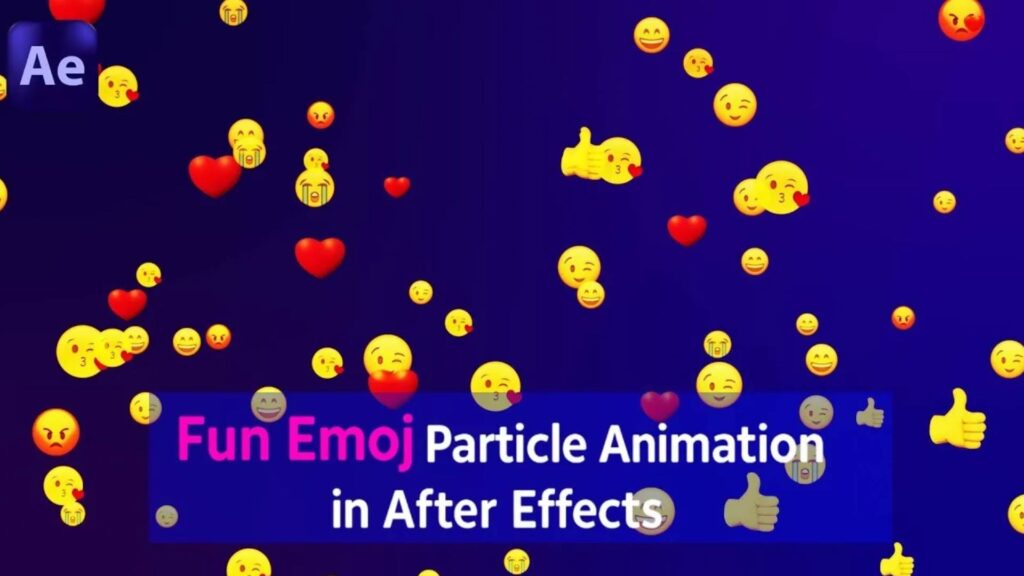
In this fun and easy After Effects tutorial, you’ll learn how to create a playful emoji particle animation using only native tools — no plugins required! Perfect for beginners and motion designers who want to add some energetic and colorful vibes to their videos.

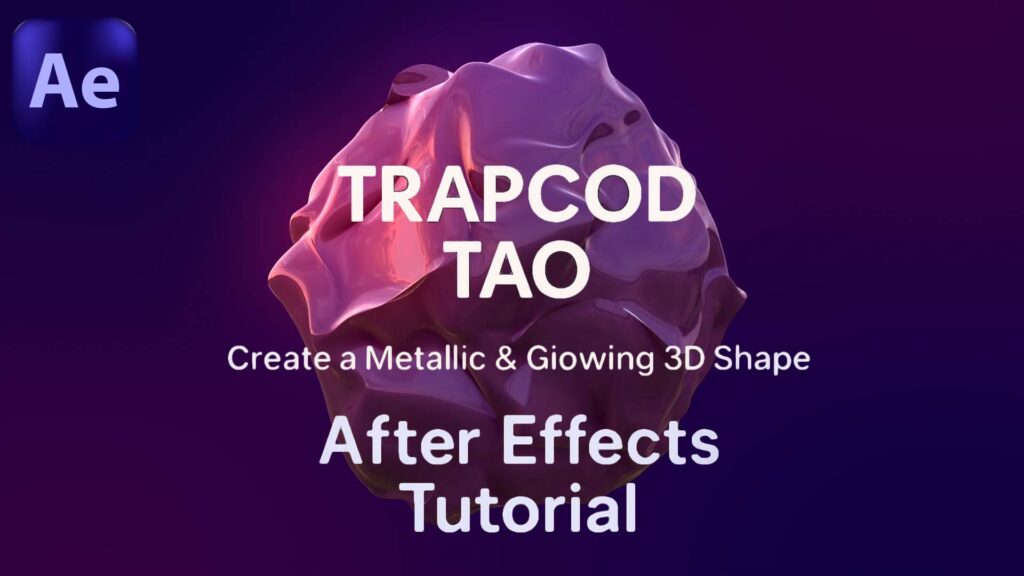
Learn how to create an abstract, metallic, and glowing 3D object in After Effects using Trapcode TAO. In this tutorial, we’ll walk through modeling, animating, and lighting a fluid-like form that looks dynamic and professional — all without leaving After Effects!

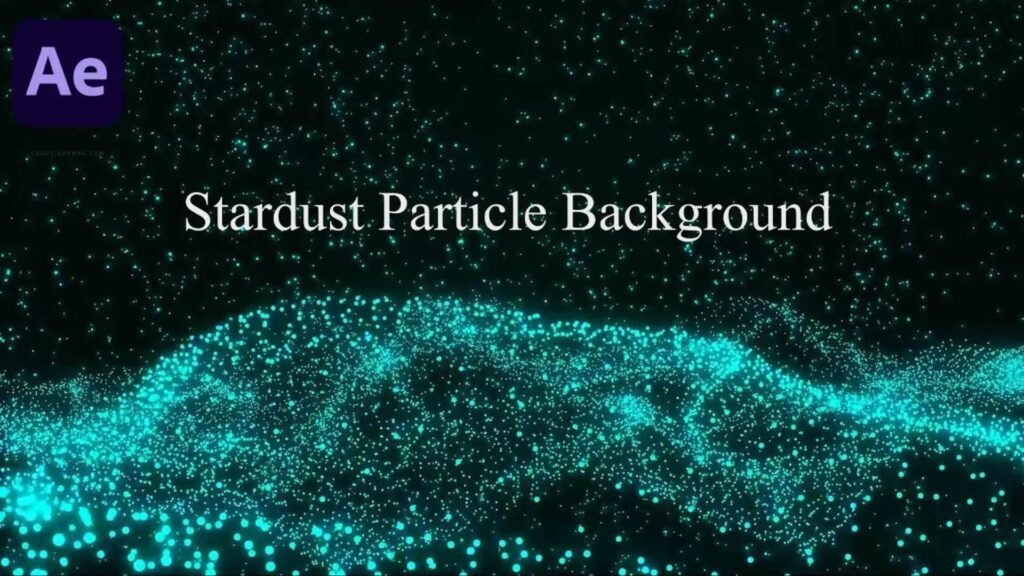
In this tutorial, you’ll learn how to create a cinematic stardust particle background using native After Effects tools or plugins like Stardust or Particular. Perfect for intros, cosmic visuals, space scenes, or elegant backgrounds.

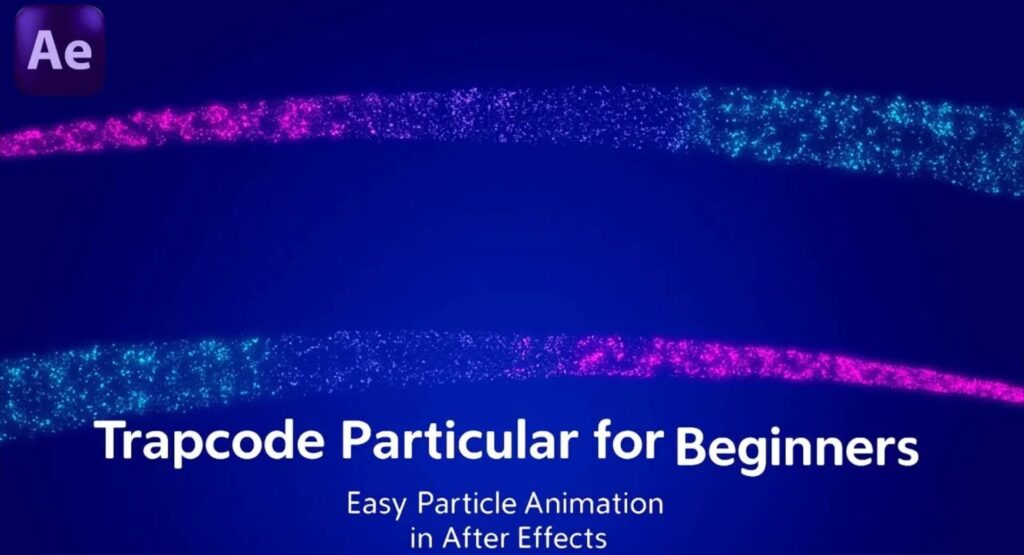
 Unlock the power of Light Emitters in Trapcode Particular with this After Effects tutorial! In this video, you’ll learn how to create advanced and dynamic particle effects using Light Emitters inside Red Giant’s Trapcode Particular plugin. Perfect for motion designers looking to add cinematic depth and realism to their animations!

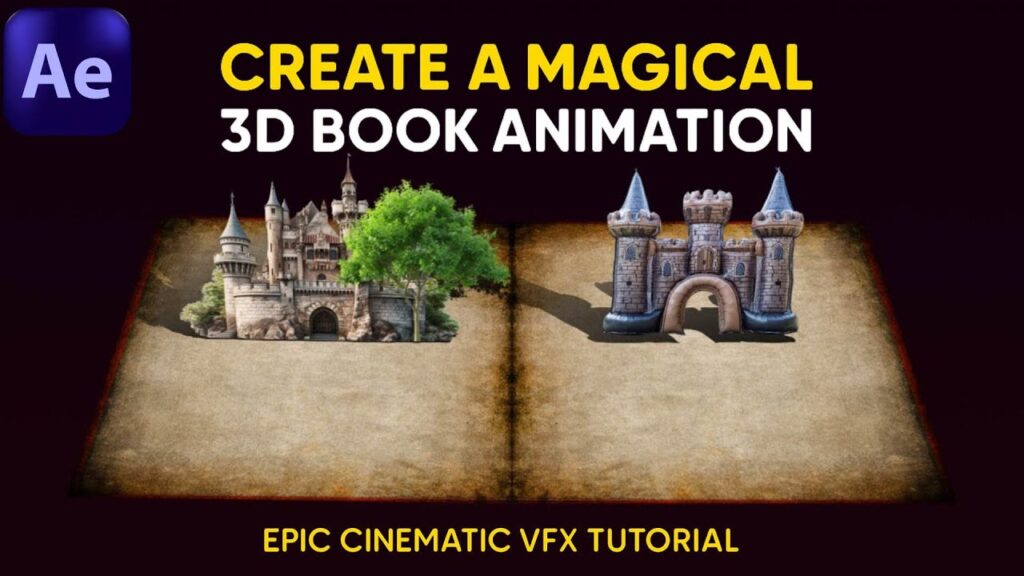
Unlock the secrets of cinematic animation with this magical 3D book tutorial in Adobe After Effects! In this step-by-step guide, you’ll learn how to create a stunning 3D book opening effect with glowing particles, page flips, light rays, and epic camera movements — all without any third-party plugins. Whether you’re a beginner or a motion design pro, this tutorial will add a touch of fantasy to your VFX skillset.

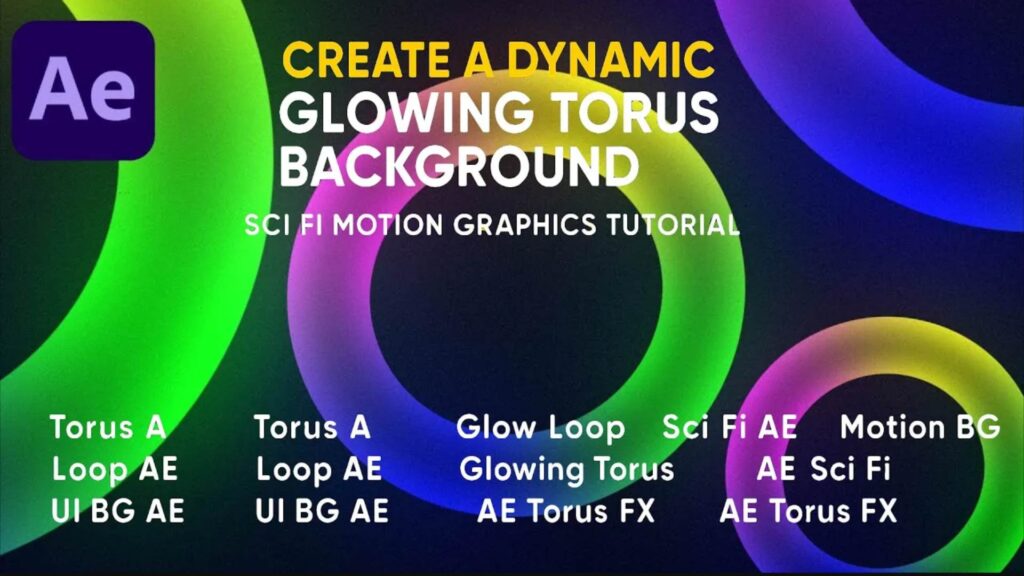
In this After Effects tutorial, you’ll learn how to design a stunning glowing torus background with smooth dynamic motion and a sci-fi aesthetic. Perfect for futuristic intros, tech promos, or music visuals. This tutorial covers how to create procedural shapes, glowing effects, seamless loops, and how to add depth and cinematic lighting.
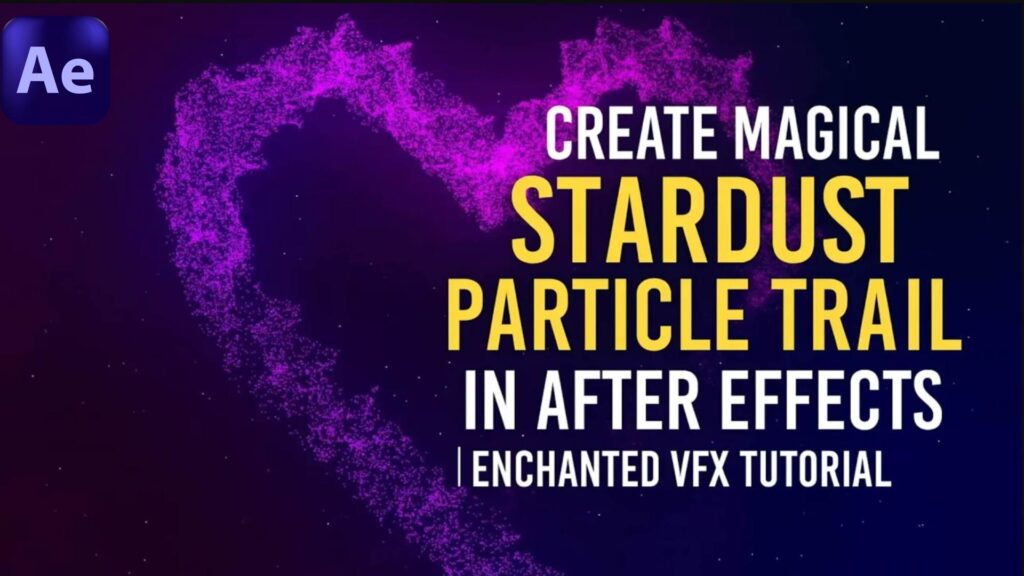
In this enchanted VFX tutorial, you’ll learn how to design a glowing, sparkling stardust trail using After Effects — perfect for fantasy scenes, magical animations, or fairy tale intros. Whether you’re a beginner or advanced user, this step-by-step guide will help you bring mystical motion graphics to life.

In this After Effects tutorial, you’ll learn how to create a stunning gold particle logo animation using Trapcode Particular – quickly and easily! Whether you’re working on a logo reveal, an intro for your brand, or just exploring beautiful particle effects, this step-by-step guide will walk you through the process with no fluff.

Ready to take your After Effects skills to the next level? In this easy-to-follow tutorial, you’ll learn how to create epic 3D stroke animations—all without using any plugins! Whether you’re a complete beginner or just want to enhance your motion design toolbox, this step-by-step guide is perfect for you.