AFTER EFFECTS

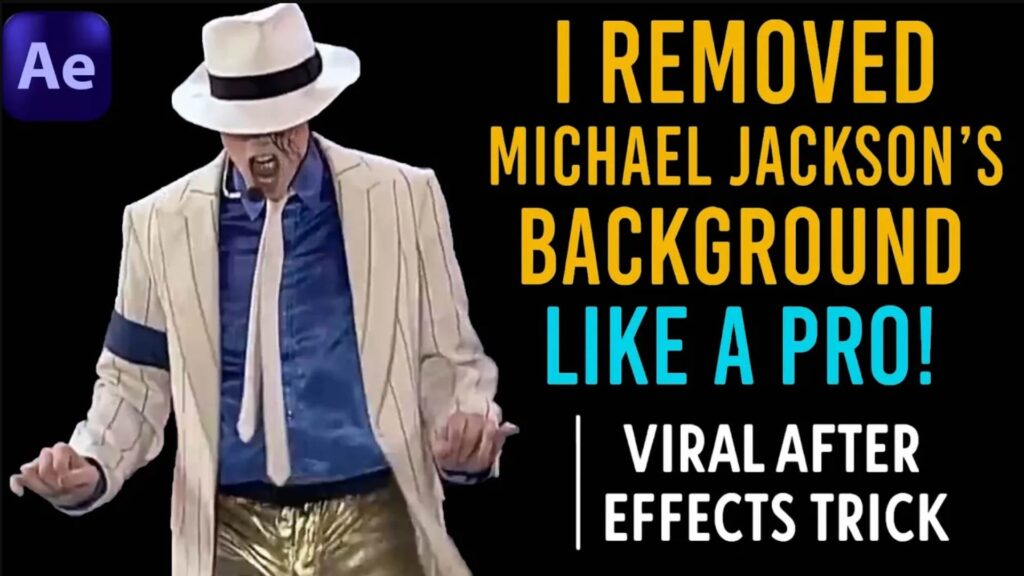
Learn how to remove Michael Jackson’s background or any backgrounds from any video using After Effects like a pro! Perfect for viral edits, dance remixes, and stunning visual effects. Quick, clean, and cinematic — all in one tutorial.

Learn how to create a seamless abstract loop animation in After Effects using the Stardust Plugin! This step-by-step tutorial will guide you to design a smooth and professional looping motion graphic perfect for intros, backgrounds, and motion design projects.  What You’ll Learn: How to create an infinite abstract loop Using Stardust plugin for particle-based animation Tips for smooth motion design in After Effects Export settings for perfect looping videos  Perfect for motion designers, VFX artists, and beginners who want to add creative loops to their projects.

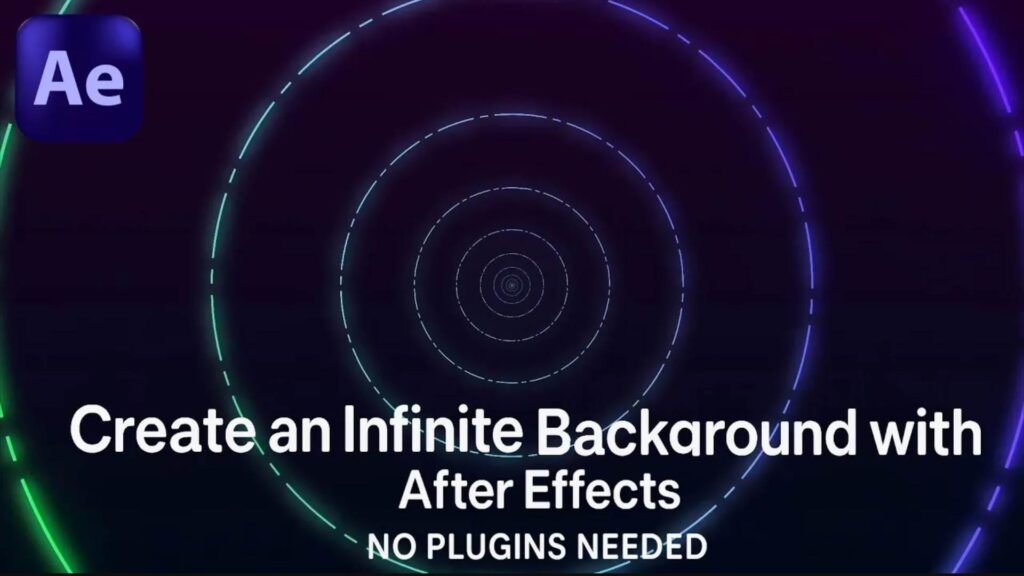
Learn how to create a seamless infinity background animation using simple shapes in Adobe After Effects — no plugins required! This beginner-friendly tutorial walks you through step-by-step to build a mesmerizing looping background perfect for motion graphics, intros, and more.  What you’ll learn: Shape layer techniques Infinite loop tricks Animation principles for smooth background movement Clean design without external plugins Perfect for designers, editors, and motion beginners!  Project file download (coming soon via [Your Website or Link])  Don’t forget to like, comment, and subscribe for more creative motion design tutorials!

Unlock the power of abstract typography in this step-by-step After Effects tutorial! Learn how to animate text with style, energy, and creativity — perfect for titles, intros, and experimental design projects.

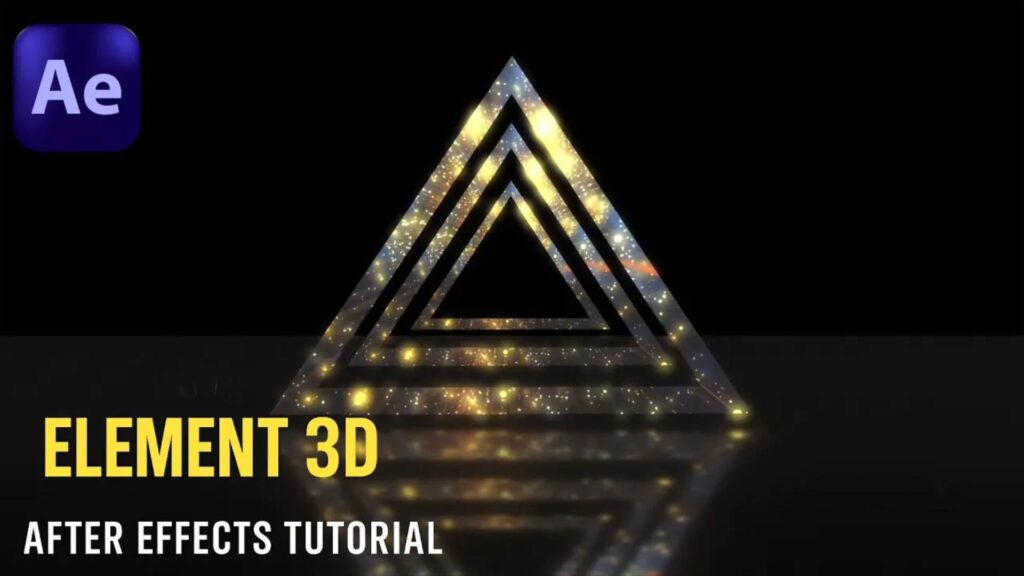
Master the art of animating textures in Element 3D with this powerful After Effects tutorial! You’ll learn how to bring surfaces to life using dynamic textures, reflections, and lighting — perfect for cinematic intros, logos, or product shots. What you’ll learn: How to apply and animate textures in Element 3D Realistic material settings Texture movement, reflections, and environment tricks Bonus: Depth & lighting tips for 3D realism For intermediate to advanced motion designers and VFX artists. Project file coming soon 🛠 Plugin required: Element 3D (Video Copilot) Like & Subscribe for more high-end After Effects tutorials!

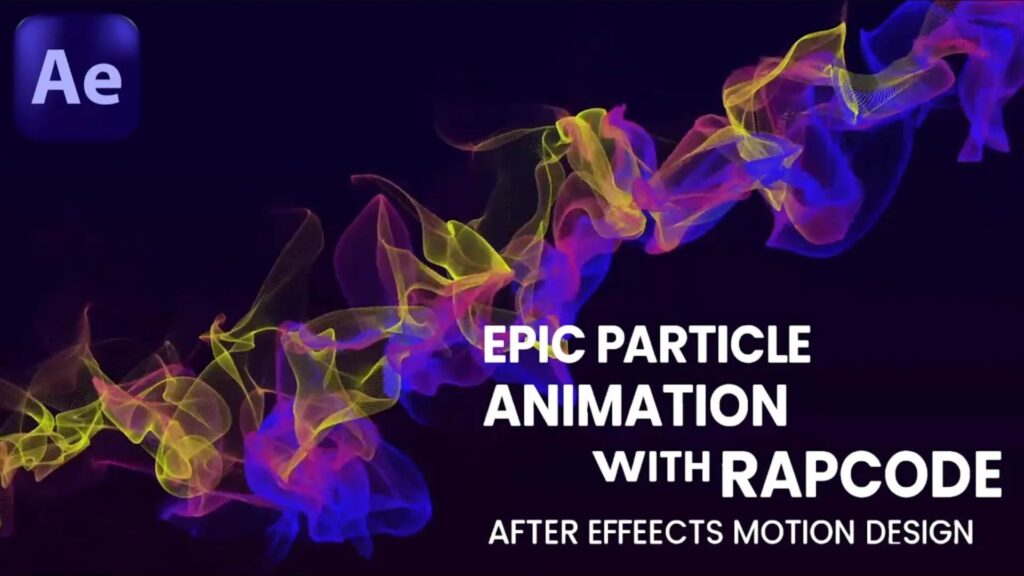
Learn how to create stunning particle animations in After Effects using Trapcode Particular! This step-by-step VFX tutorial will show you how to design cinematic particle effects perfect for motion graphics, intros, and visual effects projects..

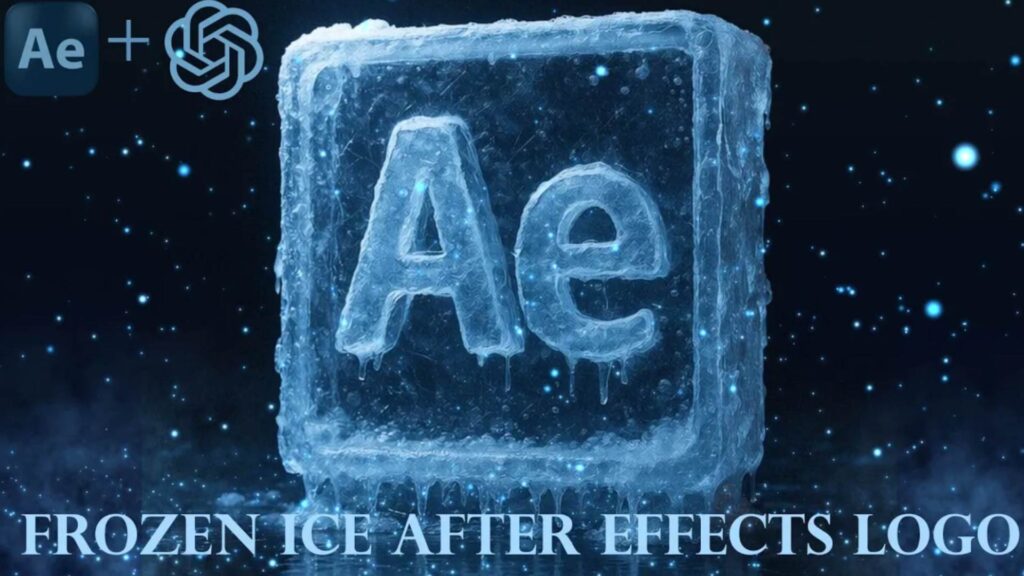
Do you want to turn your logo into a cinematic 3D frozen ice effect? In this tutorial, you’ll learn how to create a Frozen Ice Logo in Adobe After Effects with a hyper-realistic 3D render style. We’ll cover how to add icy textures, reflections, shadows, and cinematic lighting to achieve a professional frozen look.  What you’ll learn: Transform any logo into 3D Add realistic frozen ice effects Cinematic lighting and reflections Export in stunning 4K quality  Don’t forget to subscribe for more motion graphics and VFX tutorials!

Optimized YouTube Title Ideas Falling Snow Effect in After Effects | No Plugins Needed Create Realistic Falling Snow | After Effects Tutorial Winter Snow Animation in After Effects | No Plugin Tutorial Cinematic Snowfall Effect | After Effects Easy Tutorial. Professional Description Learn how to create a realistic falling snow effect in Adobe After Effects without any plugins! This step-by-step tutorial will show you how to design a cinematic winter scene perfect for intros, holiday videos, or motion graphics projects. In this tutorial, you will learn: How to create snow particles using native After Effects tools Adjusting snow speed, density, and randomness Adding depth and cinematic lighting for a realistic winter effect  Software: Adobe After Effects (No Plugins)  Level: Beginner to Intermediate

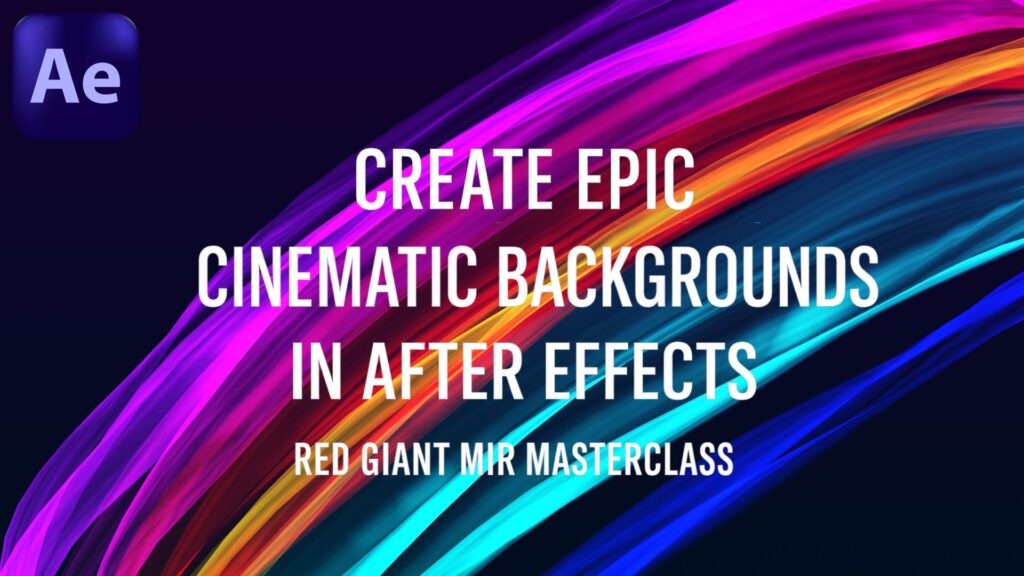
Create epic cinematic backgrounds in After Effects with Red Giant Mir! In this masterclass, you’ll learn how to design 3D landscapes, add dynamic camera moves, and enhance your scenes with cinematic lighting and depth. Perfect for motion graphics and VFX projects.