AFTER EFFECTS
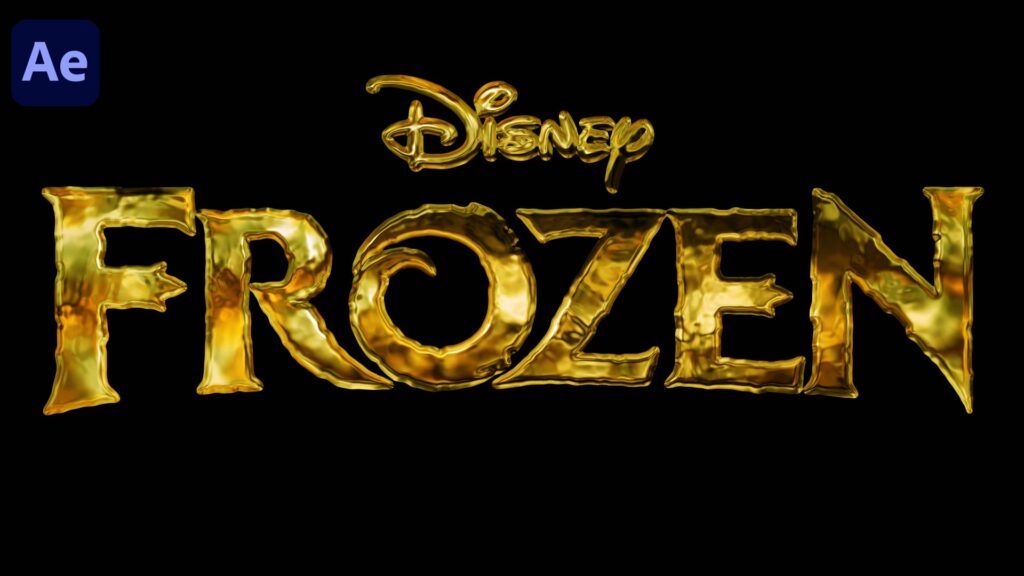
Golden Logo Reveal Animation After Effects Tutorial Gold Particles Logo & Text Animation – Trapcode Particular -After Effects Tutorial.
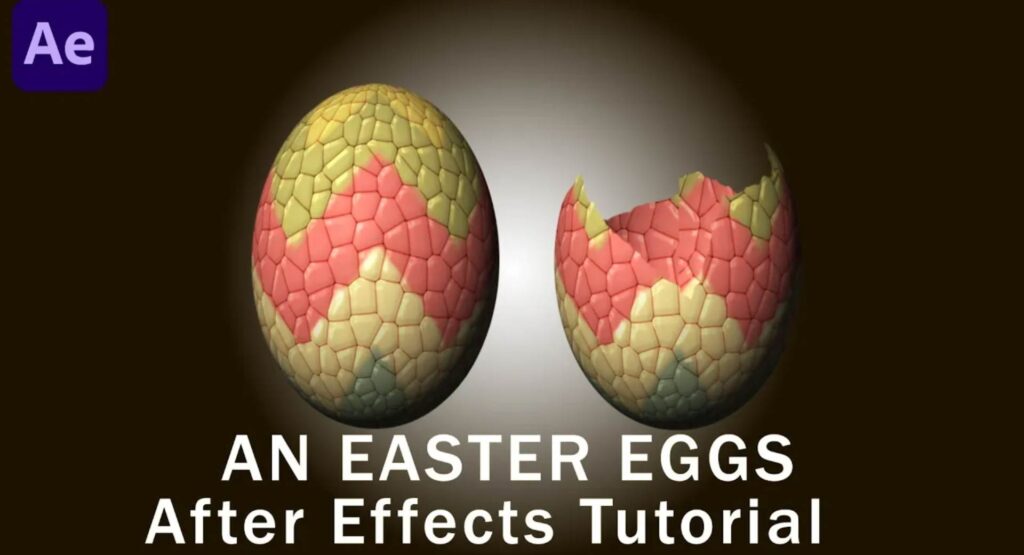
“Learn how to create fun and colorful Easter eggs animation in After Effects! Perfect for adding spring vibes to your motion graphics projects. No plugins required – just pure creativity and After Effects magic!”
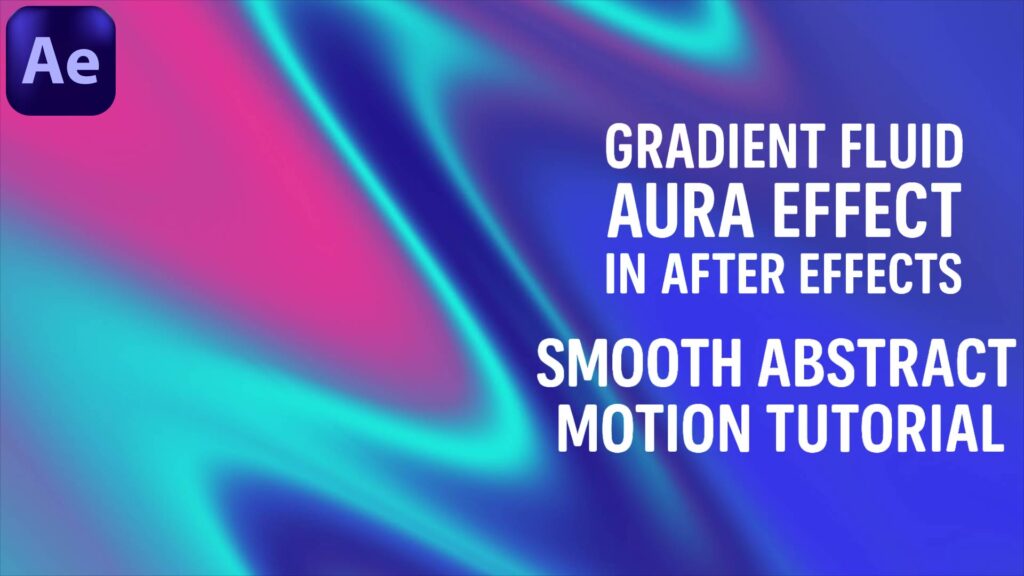
In this After Effects tutorial, you’ll learn how to create a Gradient Fluid Aura Effect with smooth abstract motion and vibrant colors. This effect is perfect for intros, music videos, motion backgrounds, and creative visual projects. ✨ What you’ll learn in this tutorial: How to design a gradient aura with glowing colors Using masks and blending modes to achieve fluid motion Adding smooth wave-like animations for an abstract style Tips for enhancing the effect with glow and color correction Whether you’re a beginner or intermediate motion designer, this tutorial will help you add a modern and stylish aura effect to your projects.
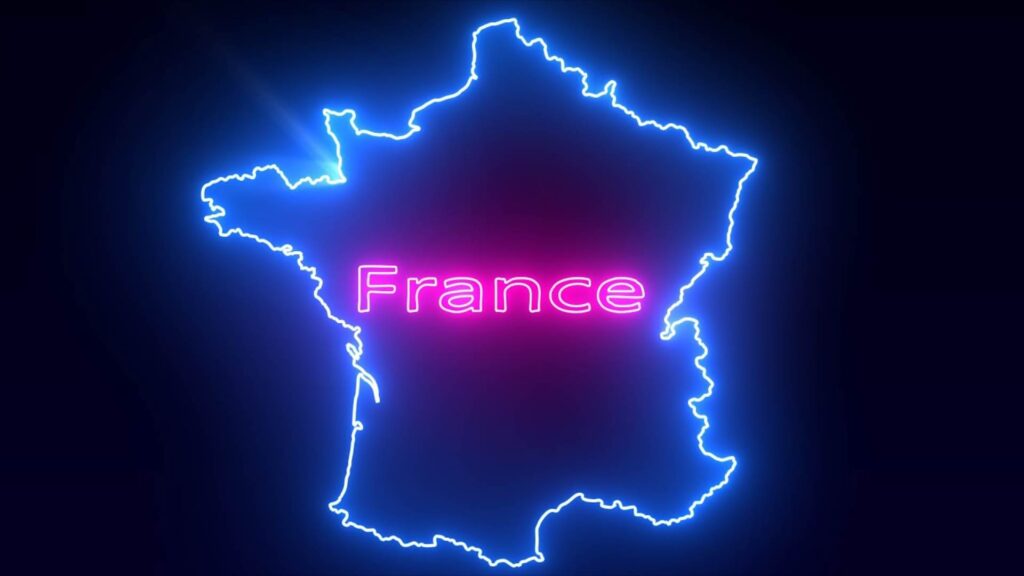
In this After Effects tutorial, you’ll learn how to create a glowing Saber Map Animation using the powerful Saber plugin. We’ll go step by step to design a cinematic map animation with glowing lines, highlights, and smooth transitions. Perfect for intros, travel videos, geography projects, or any motion graphics scene where you want to showcase locations with style! 👉 What you’ll learn: Setting up Saber plugin for glowing map effects Animating glowing lines and highlights on the map Adding glow, color, and smooth transitions Tips for cinematic camera movement in After Effects No matter if you’re a beginner or intermediate, this tutorial will help you master Saber animations for maps and beyond!
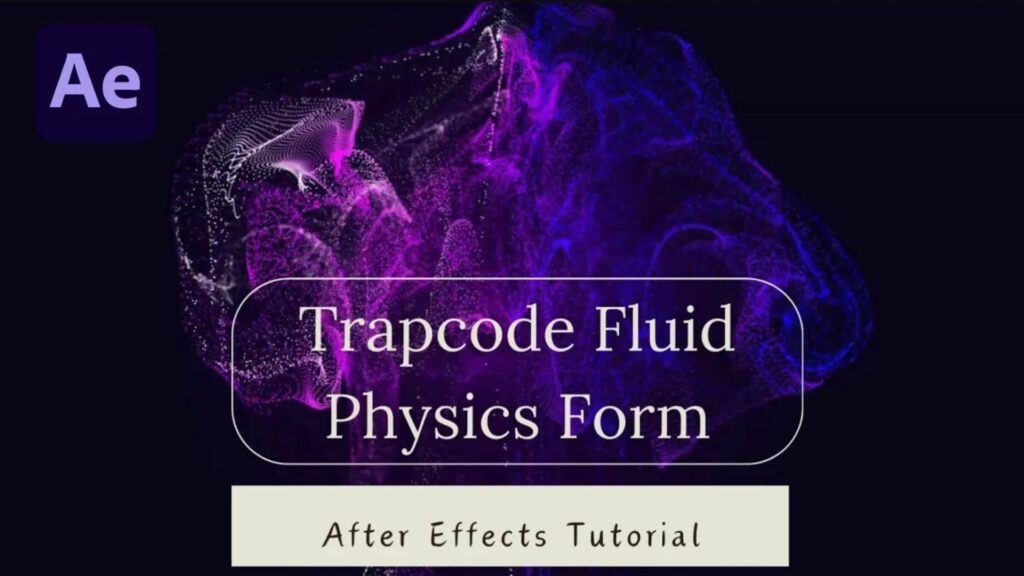
In this After Effects tutorial, you’ll learn how to create stunning fluid physics animations using Trapcode Form. We’ll cover step-by-step how to design smooth flowing particles, control turbulence, add dynamic colors, and create an eye-catching fluid motion effect that’s perfect for motion graphics, intros, or VFX projects. This tutorial is beginner-friendly but also packed with pro tips to help you take your Trapcode Form skills to the next level. Stay tuned and don’t forget to subscribe for more After Effects tutorials every week!

Create an epic Warp Speed Background in After Effects and take your sci-fi motion graphics to the next level! In this tutorial, I’ll guide you step by step on how to design a sci-fi motion blast effect without any third-party plugins. Perfect for intros, space scenes, and futuristic animations. Whether you’re a beginner or a pro, this tutorial will help you build a professional warp speed background that looks like it came straight from a sci-fi movie.
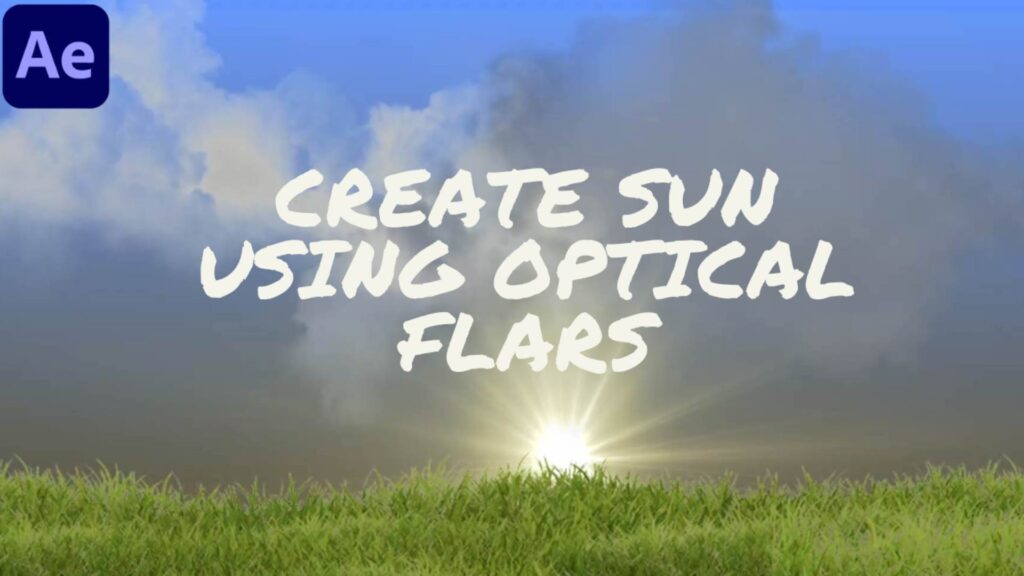
Learn how to create a realistic glowing Sun effect using Optical Flares in Adobe After Effects. In this tutorial, we’ll cover step-by-step how to design cinematic lens flares, add heat glow, and animate a stunning star effect with professional lighting tricks. Perfect for motion graphics, VFX artists, and anyone who wants to bring a sci-fi cinematic look to their projects. By the end of this tutorial, you’ll be able to build your own sun animation with realistic detail and creative lens flare effects — no third-party plugins required except Video Copilot Optical Flares.
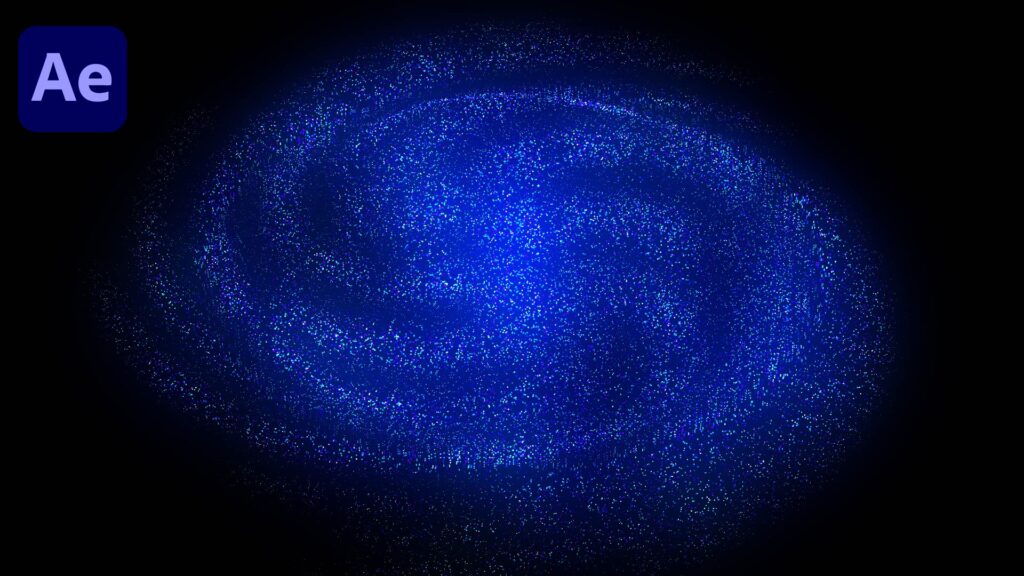
In this After Effects tutorial, you’ll learn how to create stunning particle animations using the Saber plugin. We’ll guide you step-by-step to design glowing energy particles, customize colors, adjust motion, and add cinematic effects for a professional look. Perfect for intros, VFX scenes, motion graphics, or any creative project that needs eye-catching energy effects. Whether you’re a beginner or an experienced motion designer, this tutorial will help you level up your After Effects skills! What You’ll Learn: How to use Saber plugin for glowing particle effects Customizing particle shapes, colors, and motion Adding cinematic lighting and glow for a polished look Pro tips for smooth animation and realistic energy trails Subscribe for more After Effects tutorials and creative motion design ideas every week!
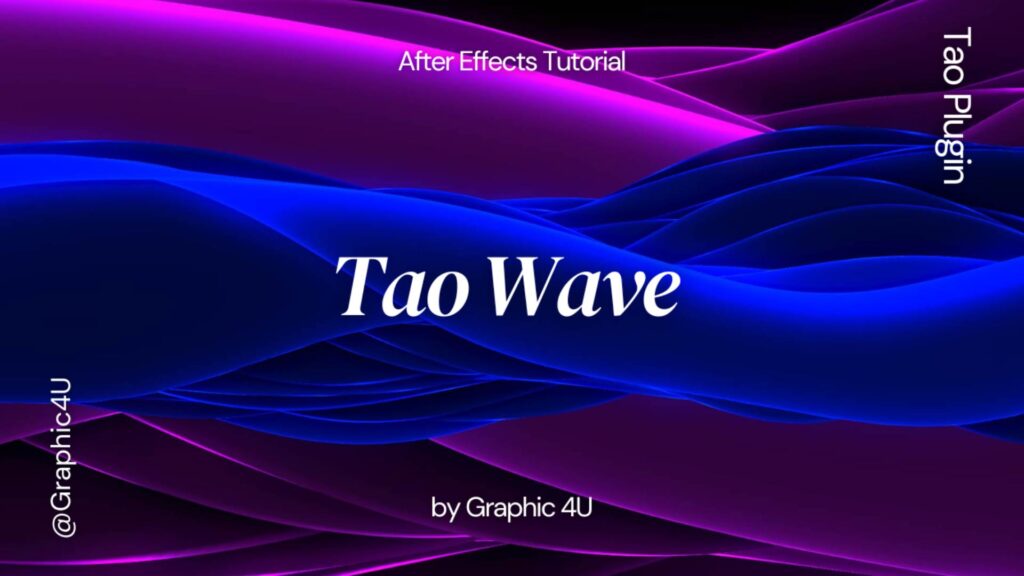
Learn how to create a cinematic Trapcode Tao Wave Background in Adobe After Effects! In this tutorial, we’ll cover step-by-step how to design stunning abstract wave animations using Trapcode Tao. Perfect for motion graphics, VFX, intros, and professional backgrounds. Whether you’re a beginner or an advanced user, this tutorial will help you add depth and style to your projects. Don’t forget to like , share, and subscribe for more After Effects tutorials!