AFTER EFFECTS

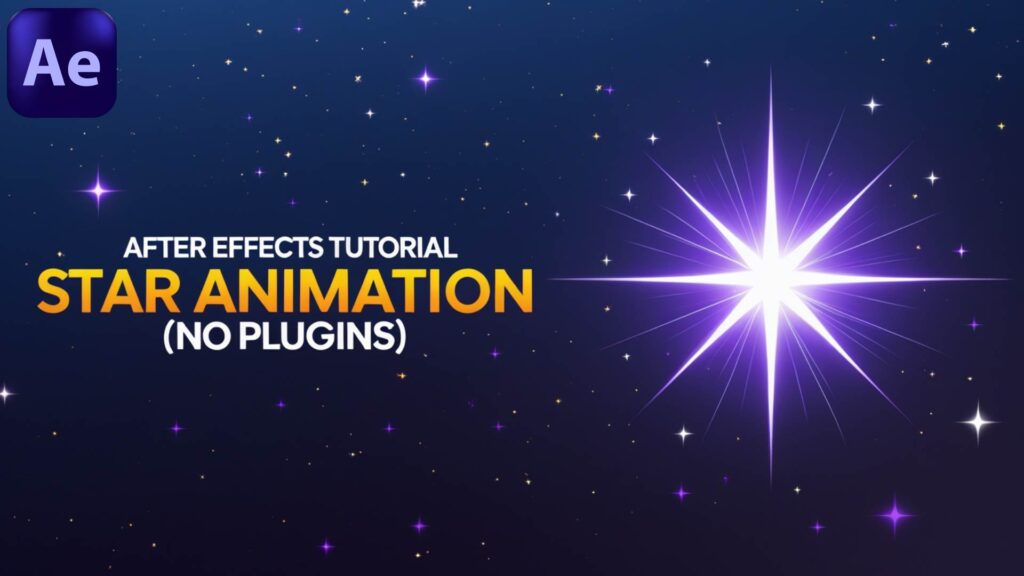
“Learn how to create a simple and beautiful star animation in Adobe After Effects without using any plugins! In this beginner-friendly tutorial, I’ll walk you through step by step how to design and animate glowing stars, perfect for backgrounds, intros, or motion graphics projects. No extra plugins required – just pure After Effects!”

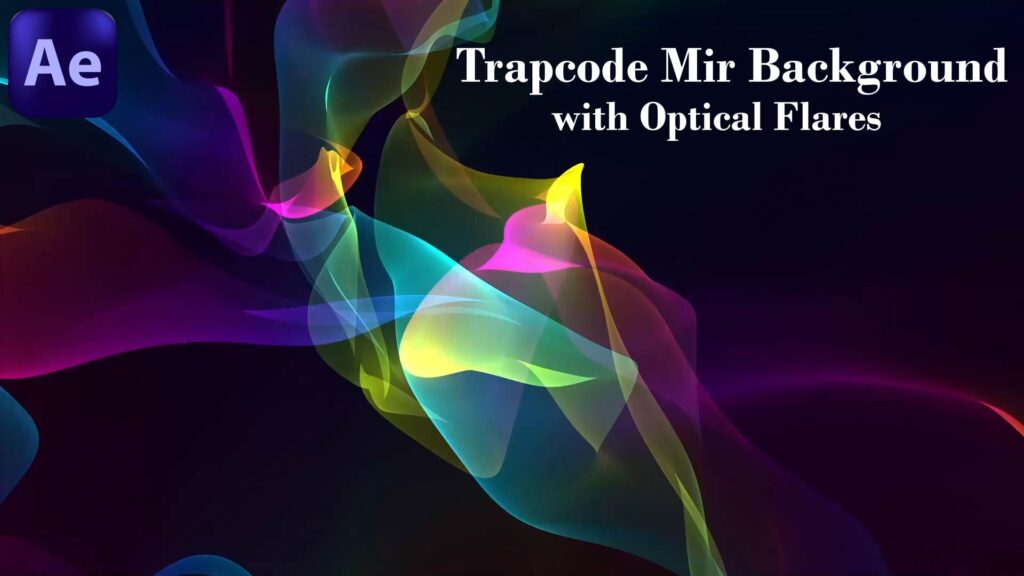
 In this After Effects tutorial, we’ll learn how to create a cinematic background using Trapcode Mir 3 combined with Optical Flares. We’ll cover step by step how to build a dynamic 3D mesh with Mir, add lighting effects, and enhance the scene with glowing optical flares for a professional, high-quality result. This tutorial is perfect for anyone interested in motion graphics, VFX, and cinematic design in After Effects. By the end of the lesson, you’ll be able to create your own glowing abstract backgrounds ready for intros, animations, and visual effects projects. ✨ Don’t forget to like, share, and subscribe for more After Effects & Cinema 4D tutorials.

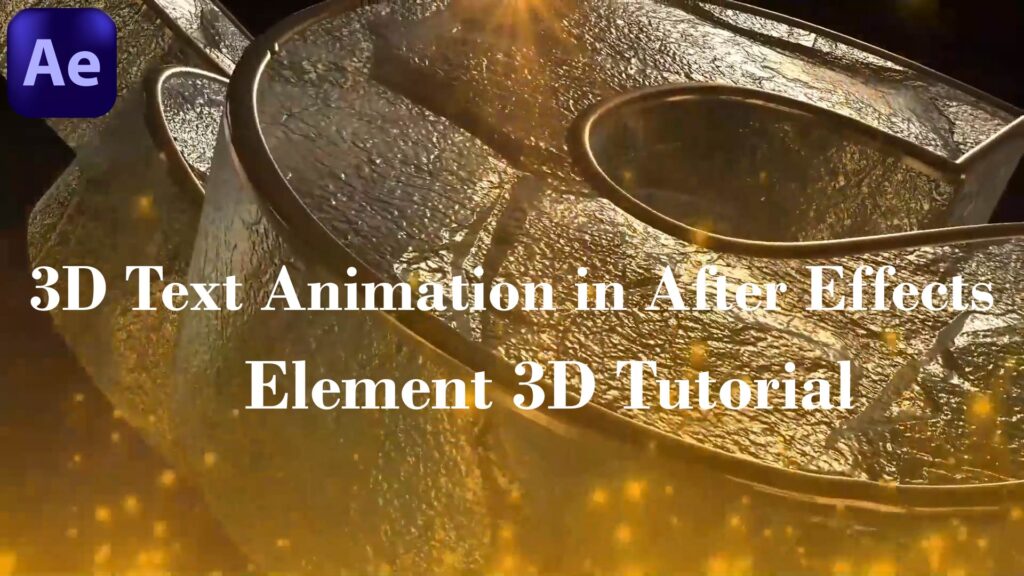
“Learn how to create cinematic 3D text animations in Adobe After Effects using the Element 3D plugin. In this tutorial, I’ll show you how to build, style, and animate realistic 3D text step by step. Perfect for motion graphics, logo reveals, and cinematic title designs!”
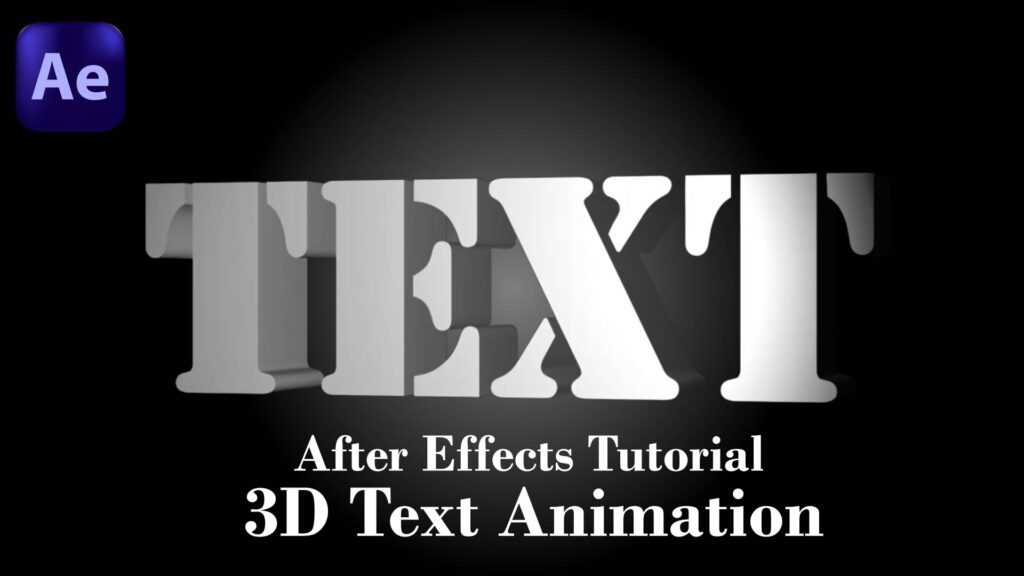
In this After Effects tutorial, you’ll learn how to create a professional 3D text animation from scratch. We’ll cover: How to set up and style your 3D text. Adding depth, lighting, and shadows for a realistic look. Smooth animation techniques to bring your text to life. This tutorial is perfect for beginners and intermediate users who want to create cinematic text animations without plugins. By the end, you’ll be able to design stunning titles for intros, motion graphics, or VFX projects. ✨ Don’t forget to like, share & subscribe for more After Effects & Cinema 4D tutorials.

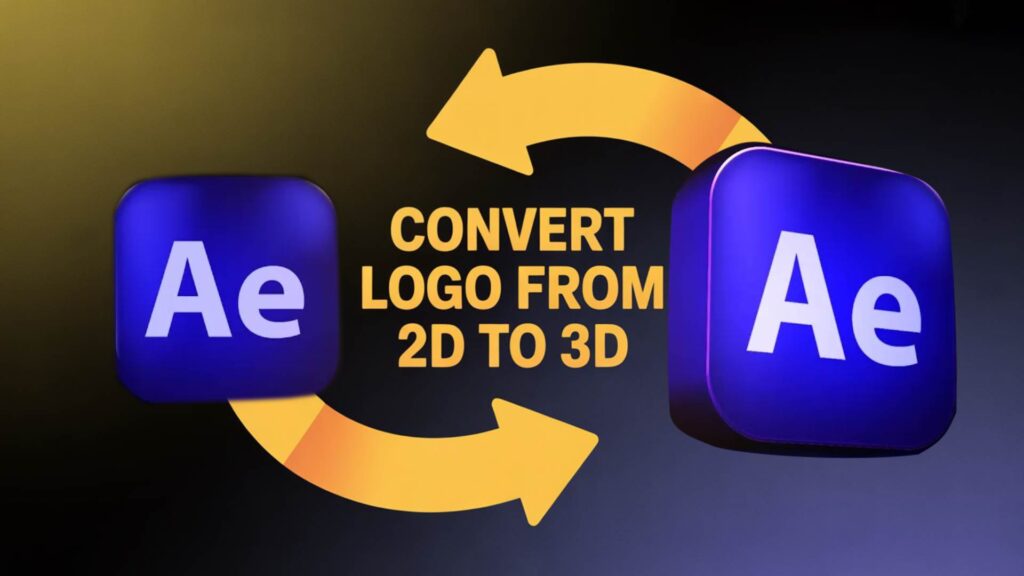
Learn how to convert any 2D logo into 3D in After Effects without plugins! In this tutorial, we’ll show you step by step how to extrude, add depth, lighting, and animation to your flat logo — all with built-in tools inside After Effects. Perfect for beginners and motion designers looking to create professional 3D logo animations.

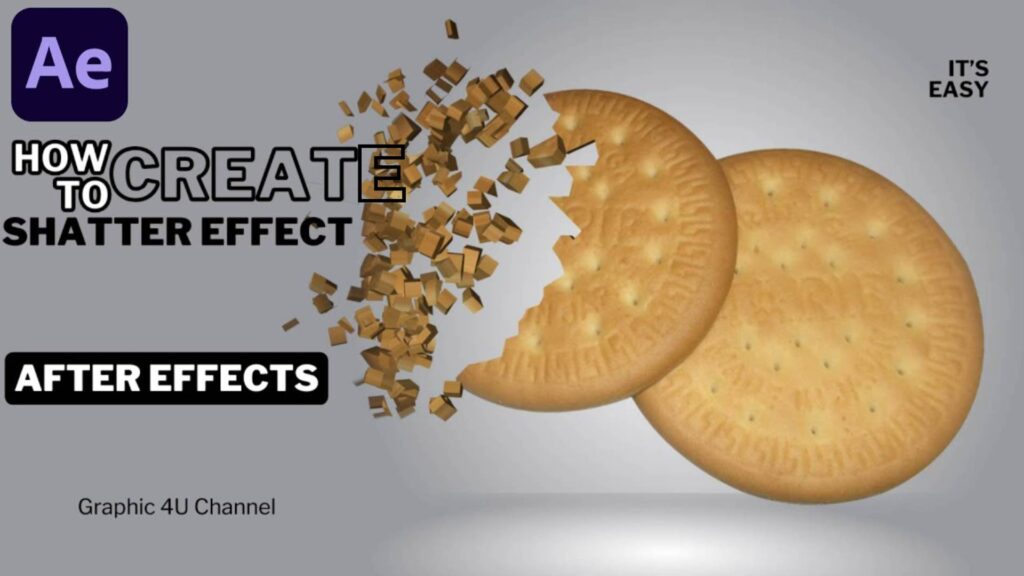
Learn how to create a professional Shatter Effect in After Effects without using any plugins! In this step-by-step tutorial, I’ll guide you through the entire process so you can achieve a stunning broken glass effect (or any shatter style you like) quickly and easily.  Perfect for beginners and advanced users.  No third-party plugins required – only built-in After Effects tools.  Free project files available on my website: https://raniasallam.com  Don’t forget to like , share , and subscribe  for more motion graphics and VFX tutorials every week!

Learn how to create breathtaking 3D space particle effects inside Adobe After Effects. We’ll cover setting up a particle system, adding depth and lighting, and animating particles for a cinematic sci-fi look — all step by step.

Create a stunning advanced space scene in After Effects using Trapcode Particular!  In this tutorial, we will design a cinematic galaxy with particle systems, glowing stars, and depth effects to achieve a professional space environment. What you’ll learn: Setting up a starfield with Trapcode Particular Creating nebula & cosmic fog using particles Adding depth of field for realism Cinematic camera movement for space travel effect Perfect for motion graphics, sci-fi intros, and cinematic VFX projects! Don’t forget to like, share, and subscribe for more tutorials. By Graphic4U | Rania Sallam

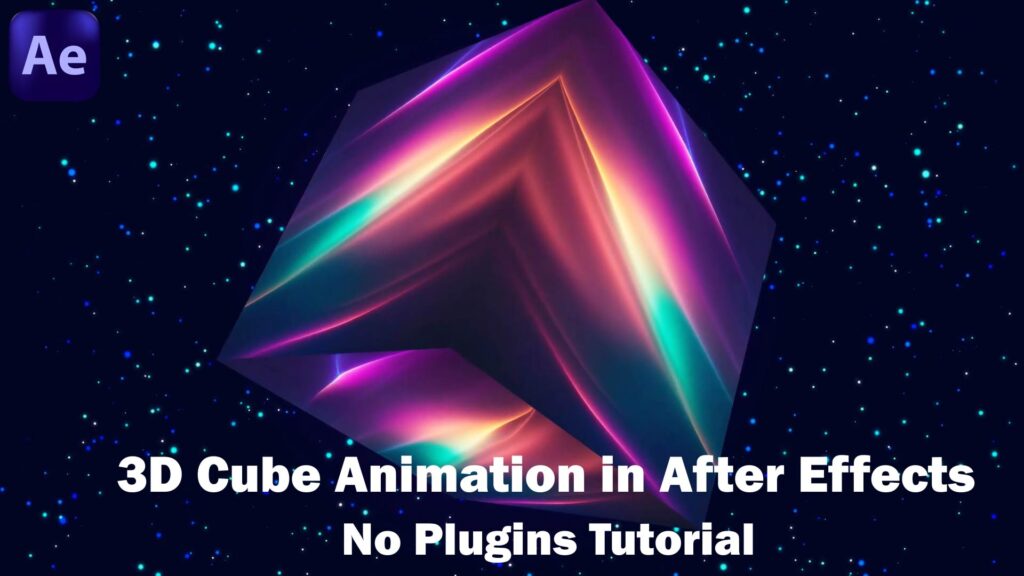
In this tutorial, you’ll learn how to create a 3D Cube in After Effects without using any plugins!  Perfect for beginners and advanced users.  Step-by-step guide to building and animating a 3D cube. Learn how to use After Effects’ built-in tools to simulate 3D. This effect is great for intros, logo animations, and creative motion graphics. Free project files available on my website: https://raniasallam.com If you enjoyed this video, don’t forget to:  Like  Subscribe  Comment what tutorial you’d like to see next!