Realistic Floating Paper Effect in After Effects Highlights & 3D Motion
Realistic Floating Paper Effect in After Effects Highlights & 3D Motion
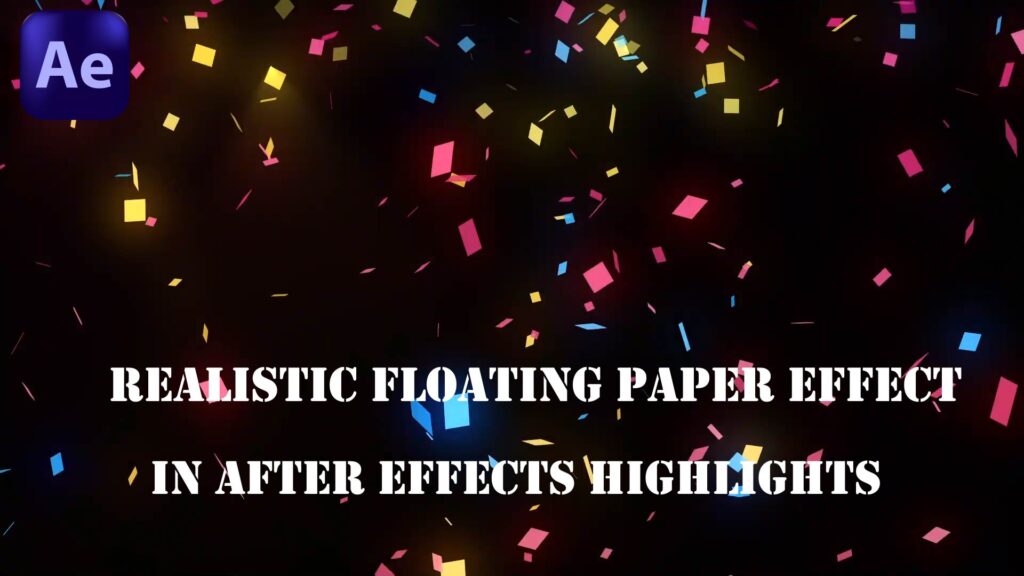
In this After Effects tutorial, you’ll learn how to create realistic flying paper scraps with highlights and lighting effects to make your motion graphics more dynamic and visually rich. Whether you’re designing a cinematic intro, title sequence, or a storytelling animation, this paper effect adds texture, motion, and atmosphere to your scene. ✨ What you’ll learn: How to animate scraps of paper with randomness and realism Adding light highlights to simulate shine and depth Using 3D camera movement for cinematic style Tips for layering, motion blur, and color grading Perfect for both beginners and intermediate After Effects users looking to add a creative touch to their projects!