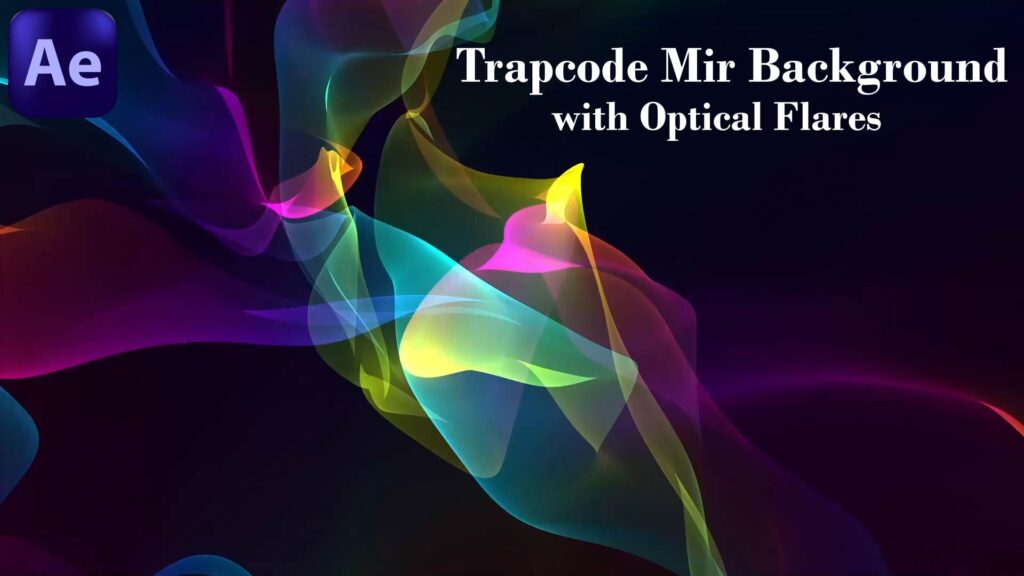
After Effects Tutorial – Trapcode Mir 3 Background with Optical Flares | Cinematic VFX
we’ll learn how to create a cinematic background using Trapcode Mir 3 combined with Optical Flares. We’ll cover step by step how to build a dynamic 3D mesh with Mir, add lighting effects, and enhance the scene with glowing optical flares for a professional, high-quality result. This tutorial is perfect for anyone interested in motion graphics, VFX, and cinematic design in After Effects. By the end of the lesson, you’ll be able to create your own glowing abstract backgrounds ready for intros, animations, and visual effects projects. ✨ Don’t forget to like, share, and subscribe for more After Effects & Cinema 4D tutorials.