AFTER EFFECTS
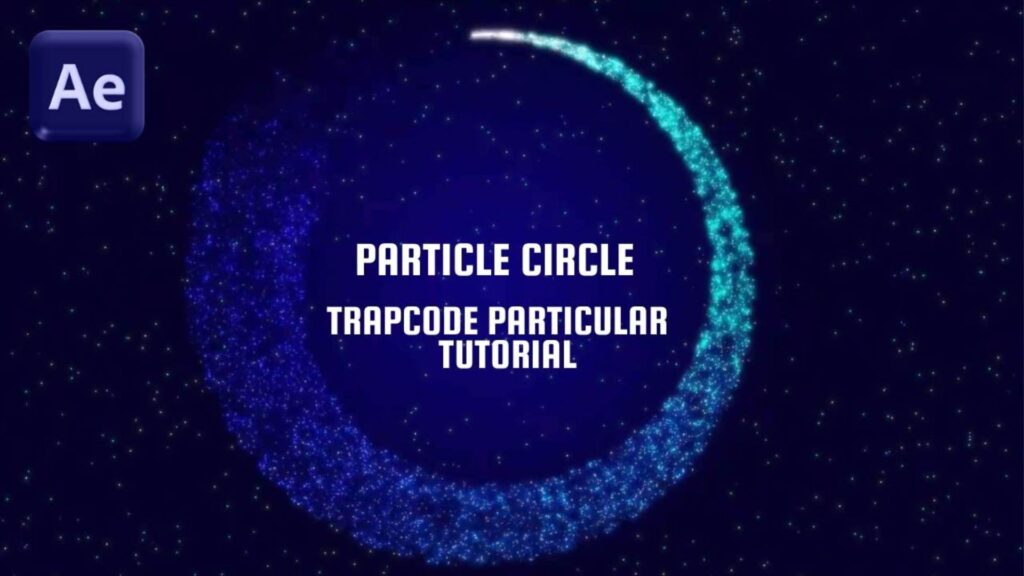
Learn how to create a Particle Circle Animation in After Effects using Trapcode Particular in this step-by-step tutorial! We’ll design a smooth, looping particle ring that’s perfect for motion graphics, intros, and visual effects.
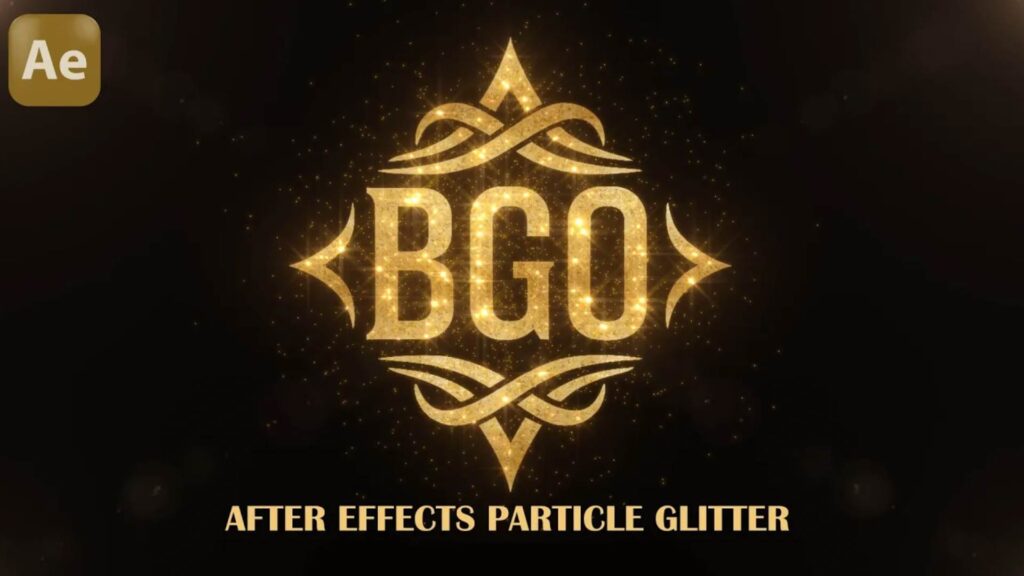
Ever dreamed of designing a logo that shines like diamonds? In this cinematic tutorial, I’ll show you step-by-step how to create a luxurious glitter logo reveal using Adobe After Effects. Turn a simple logo into a stunning visual masterpiece
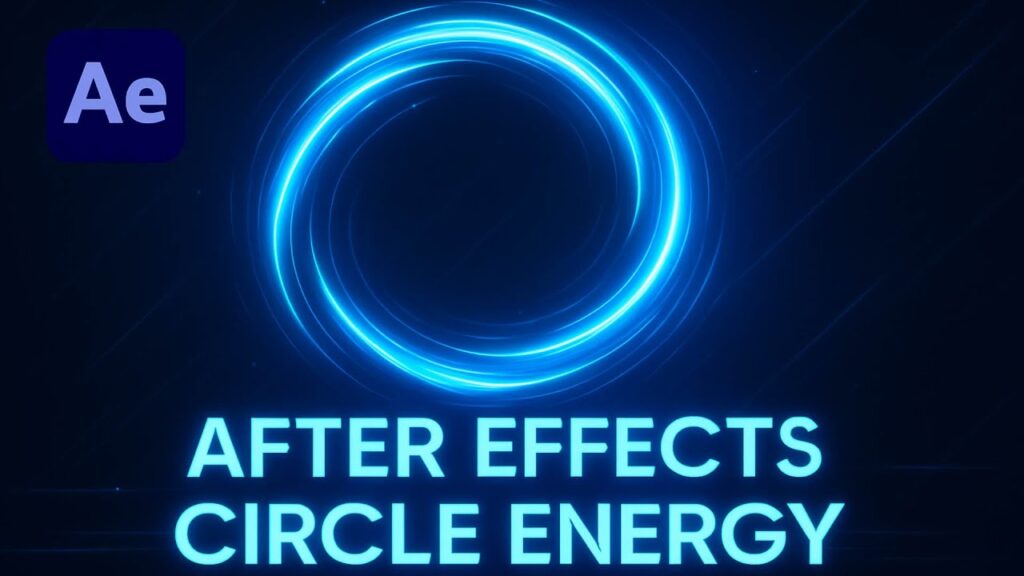
Welcome to this exciting After Effects tutorial! In this step-by-step guide, you’ll learn how to create a stunning glowing circle effect (also known as an energy circle) using Adobe After Effects. Whether you’re a beginner or an experienced motion graphics artist, this tutorial will help you master new visual effects (VFX) techniques and enhance your After Effects animation projects.
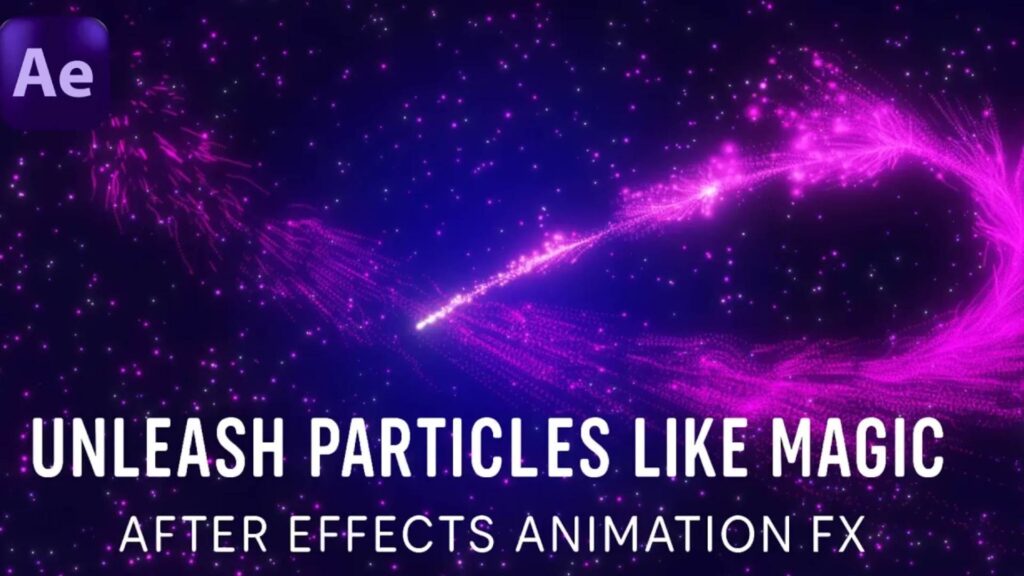
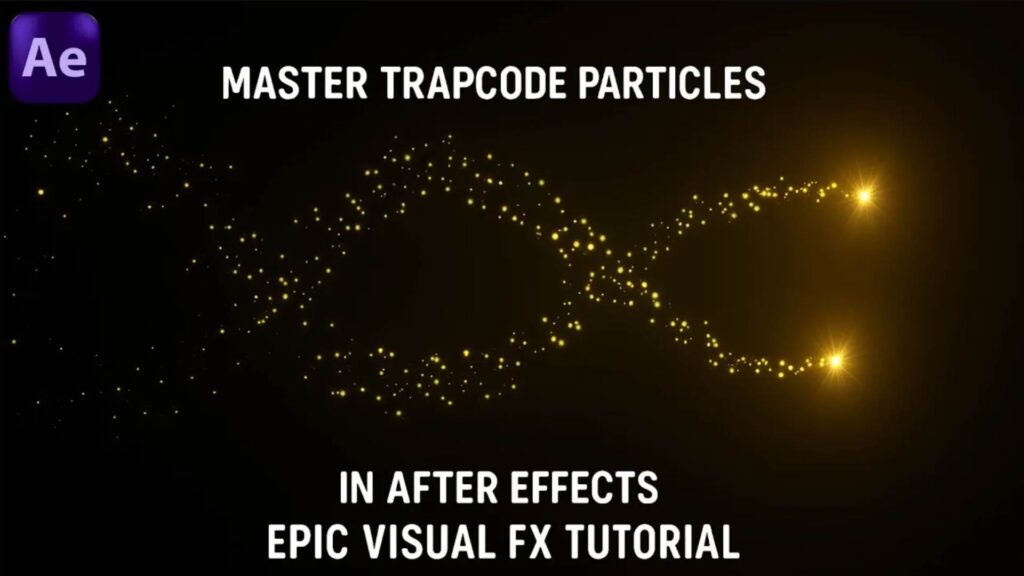
Learn how to create stunning magic particle trails in After Effects using Trapcode Particular – even if you’re a complete beginner!
Ready to create breathtaking particle animations? In this step-by-step tutorial, I’ll show you how to use Trapcode Particular inside Adobe After Effects to design magical glowing particles, just like what you see in the thumbnail!
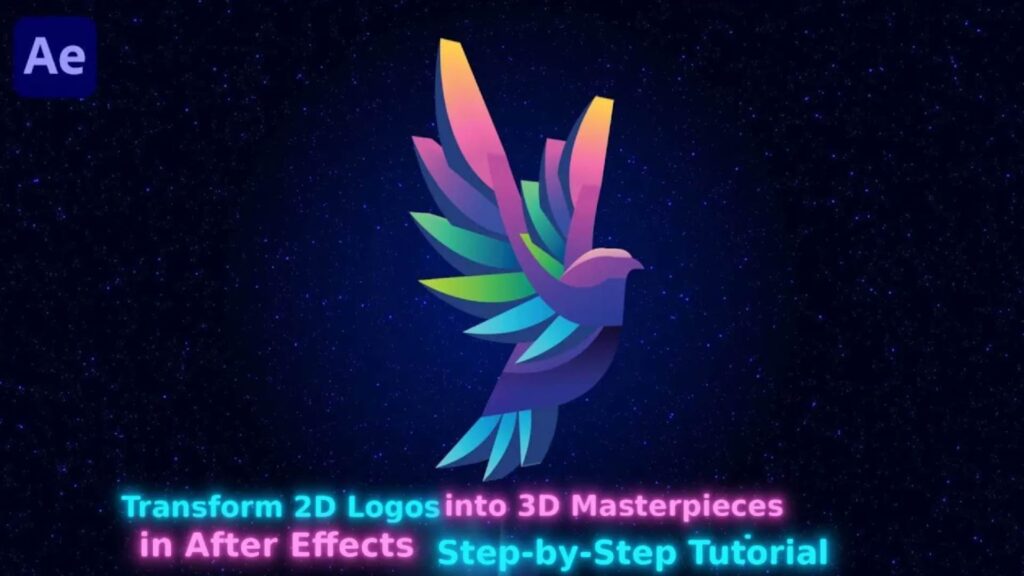
In this After Effects tutorial, I’ll show you how to transform any flat 2D logo into a stunning 3D animation — step by step! Whether you’re a beginner or an experienced motion designer, you’ll learn practical techniques to give your logo depth, dimension, and cinematic impact — all inside After Effects without extra plugins!
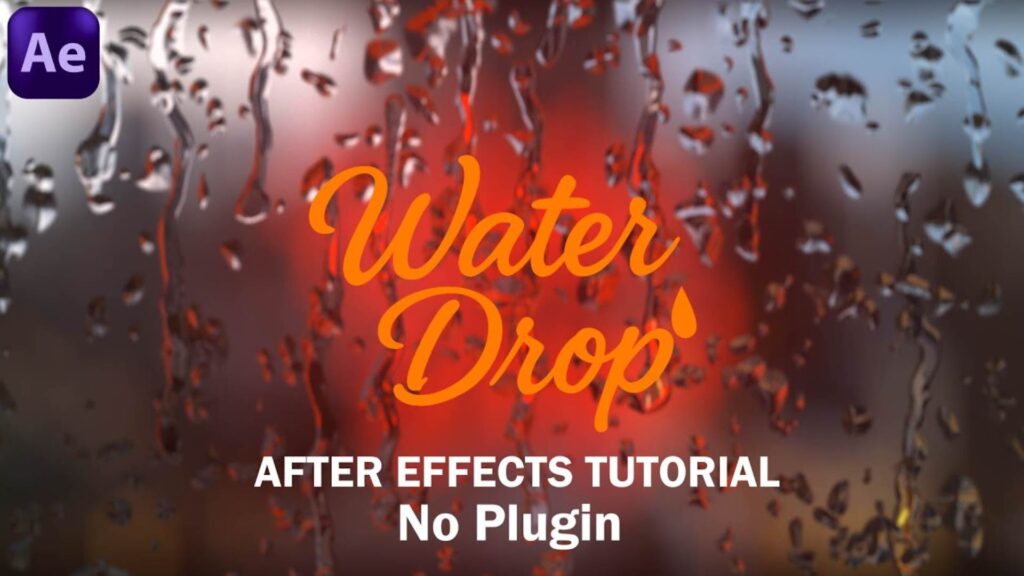
Create Ultra-Realistic Rain Drop FX in After Effects – No Plugins! In this tutorial, you’ll learn how to design cinematic rain drop effects directly on glass using only After Effects – no third-party plugins required! Whether you’re working on a music video, short film, or just experimenting with motion graphics, this is a powerful and easy effect to master. I learn this tutorial from Video Copilot.
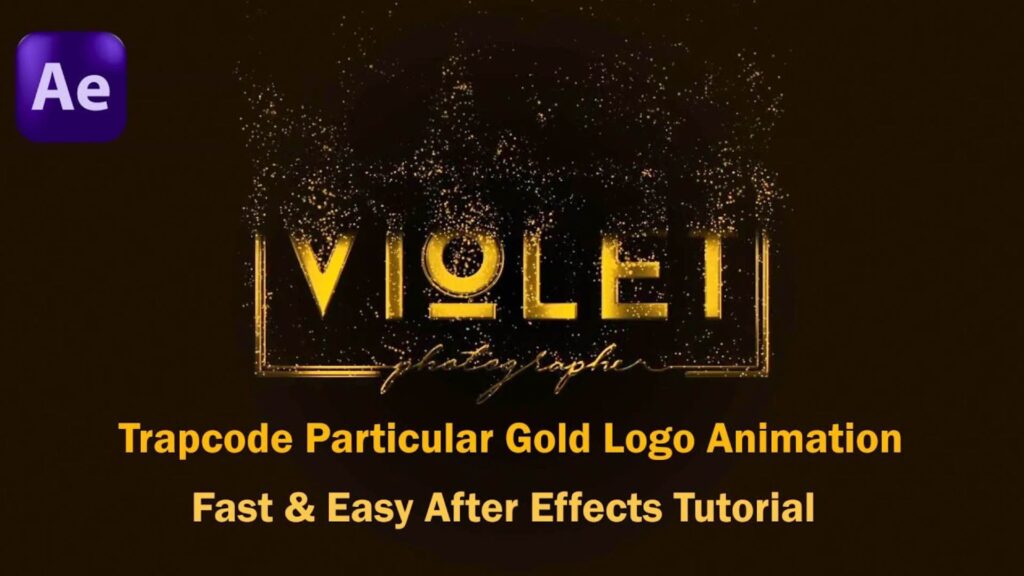
In this After Effects tutorial, you’ll learn how to create a stunning gold particle logo animation using Trapcode Particular – quickly and easily! Whether you’re working on a logo reveal, an intro for your brand, or just exploring beautiful particle effects, this step-by-step guide will walk you through the process with no fluff.
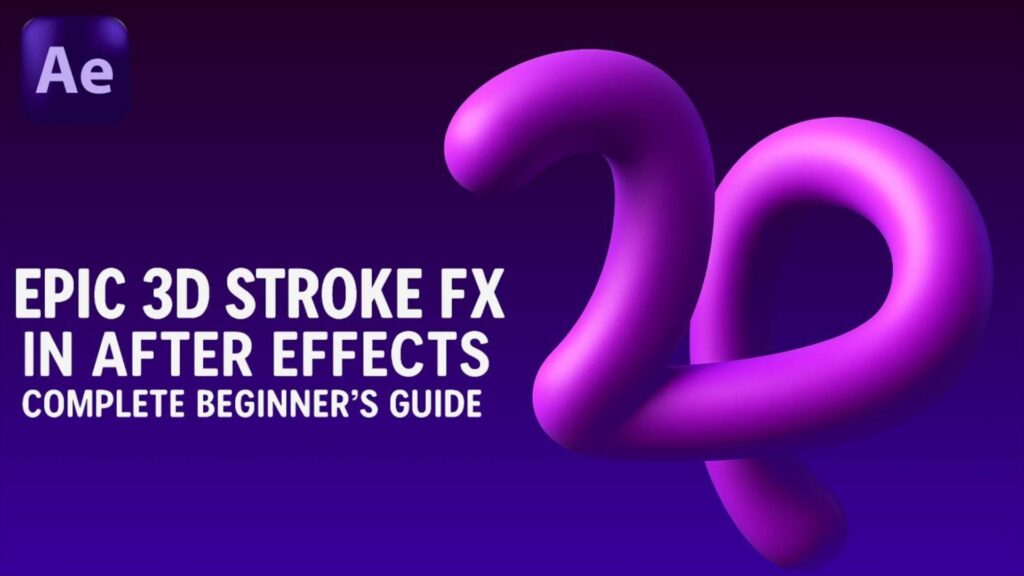
Ready to take your After Effects skills to the next level? In this easy-to-follow tutorial, you’ll learn how to create epic 3D stroke animations—all without using any plugins! Whether you’re a complete beginner or just want to enhance your motion design toolbox, this step-by-step guide is perfect for you.