AFTER EFFECTS
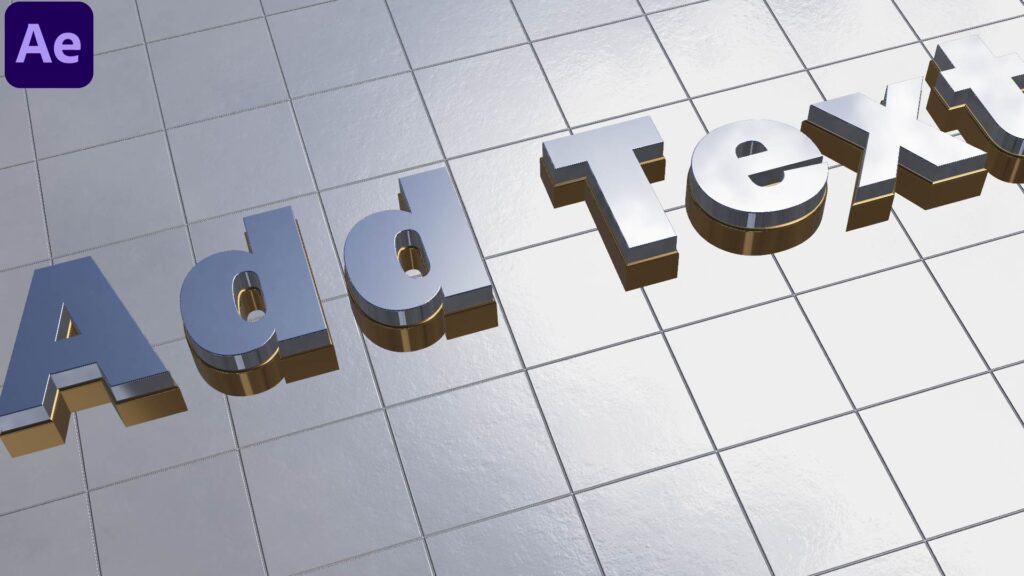
In this professional After Effects tutorial, you’ll learn how to create an insane 3D logo animation using Element 3D. This cinematic-style logo reveal is perfect for intros, brand openers, and YouTube channels.
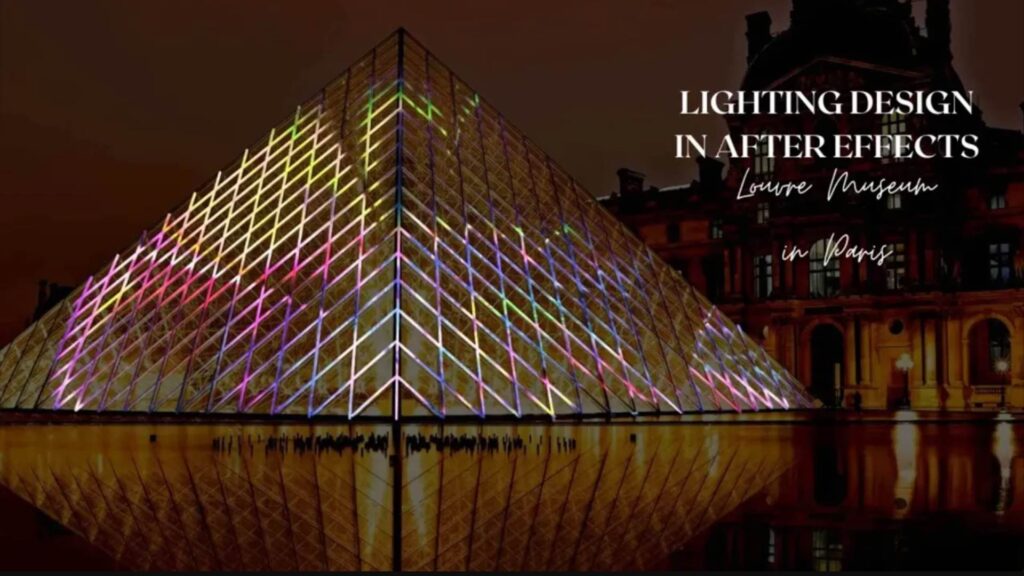
Want to light up buildings like a pro? In this tutorial, you’ll learn how to design dynamic facade light animations using only Adobe After Effects — no plugins needed!
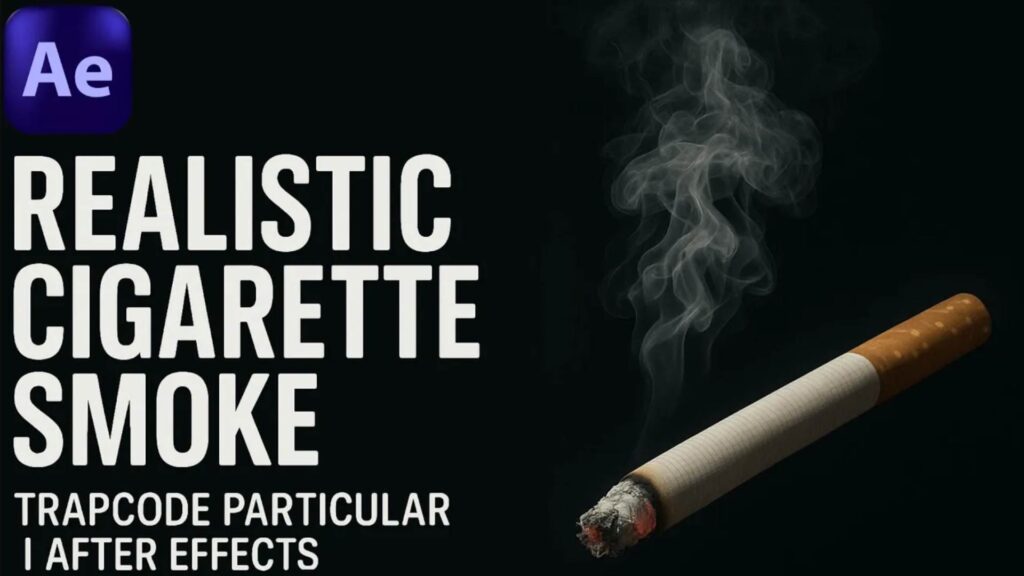
Learn how to create ultra-realistic cigarette smoke using Trapcode Particular in Adobe After Effects! In this step-by-step tutorial, we’ll guide you through crafting cinematic smoke effects perfect for VFX, intros, and atmospheric scenes. No plugins other than Trapcode Particular needed. Ideal for both beginners and intermediate motion designers!
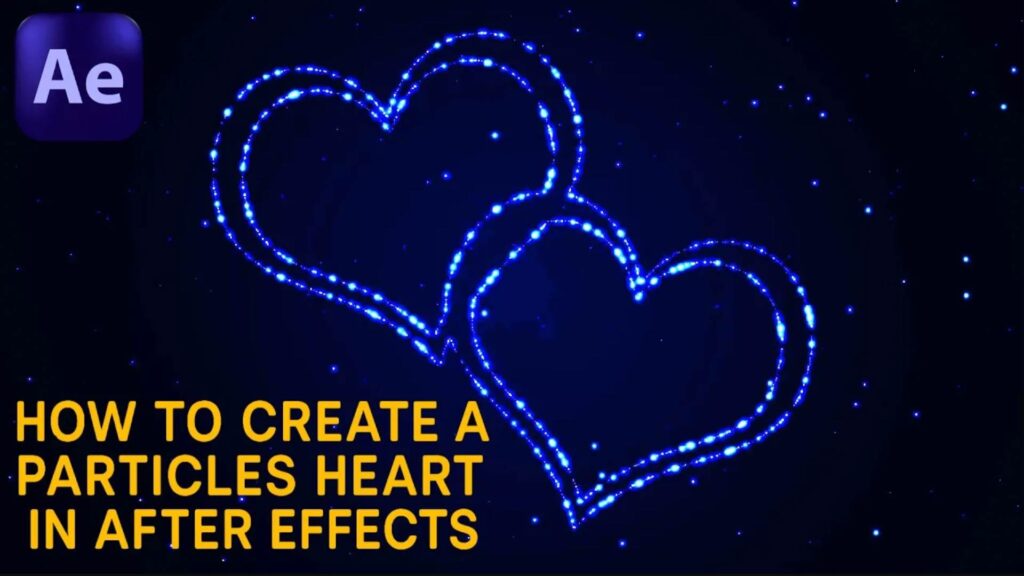
Want to create a romantic particle animation in After Effects? In this tutorial, you’ll learn how to design a beautiful heart shape using particles with Trapcode Particular. We’ll guide you step-by-step on how to shape the emitter, use custom paths, and add glowing effects to bring your scene to life!
Learn how to create a smooth and fun wobbly text animation using Adobe After Effects. In this tutorial, you’ll discover how to add organic and bouncy motion to your typography using simple expressions and keyframe tricks.
In this After Effects tutorial, you’ll learn how to create a realistic flag animation that waves naturally in the wind! Whether you’re making a national flag, a custom logo, or a cinematic intro – this tutorial will walk you through step-by-step.
In this After Effects tutorial, you’ll learn how to create cinematic light rays using no plugins – just native AE tools! Perfect for glowing titles, dramatic reveals, and enhancing your motion graphics.
Learn how to create a cinematic particle background using the powerful Stardust plugin in After Effects! 🌟 In this tutorial, I’ll guide you step-by-step through building a mesmerizing particle scene that you can use for intros, music videos, or motion design projects. No prior experience required – just follow along!
Learn how to create clear, bright, and realistic fireworks using After Effects — perfect for New Year, celebrations, or any festive animation. No third-party plugins required!