AFTER EFFECTS
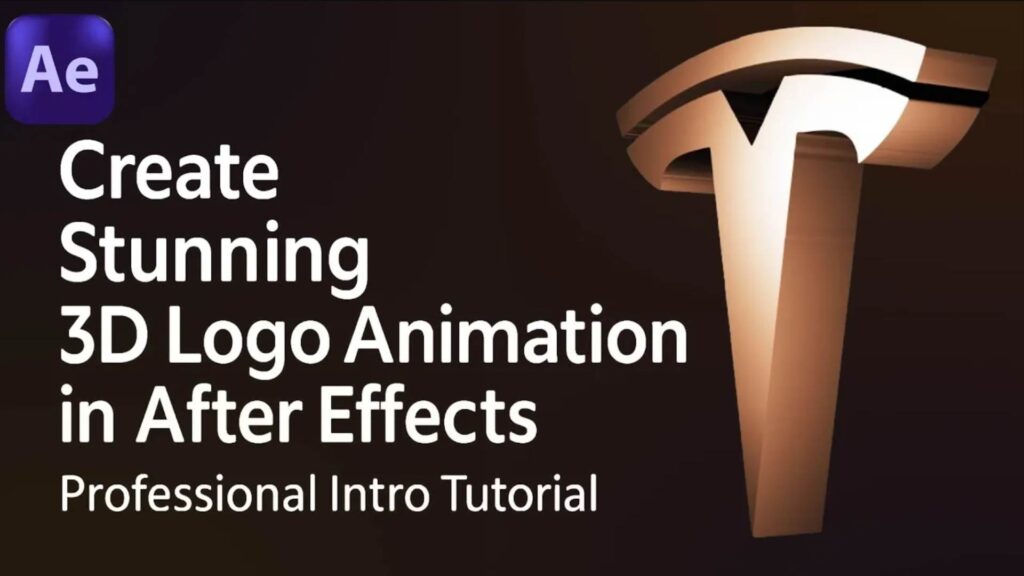
Learn how to create a professional 3D logo animation in Adobe After Effects using simple yet powerful techniques. This tutorial walks you through the entire process, perfect for branding intros, YouTube openers, or commercial projects.
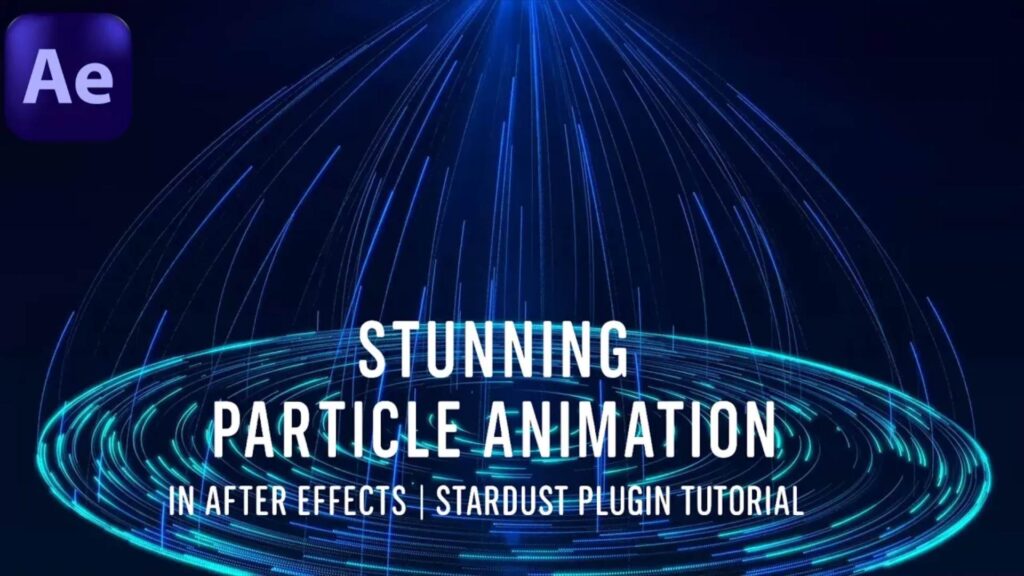
Learn how to create mesmerizing blue particle animations using the Stardust plugin in Adobe After Effects! This tutorial is perfect for motion designers looking to add a magical touch to their intros, backgrounds, or transitions. We’ll cover emitter setup, particle behavior, glowing effects, and rendering tips for clean results.
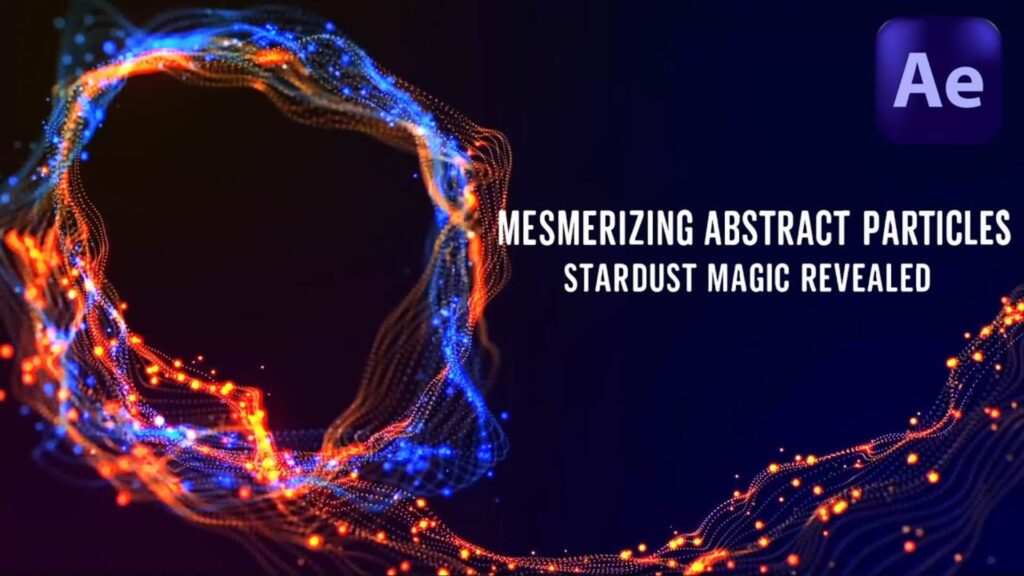
Unlock the power of Stardust Plugin in this step-by-step After Effects tutorial and learn how to create beautiful abstract particle animations from scratch! Perfect for intros, sci-fi designs, or futuristic motion graphics.
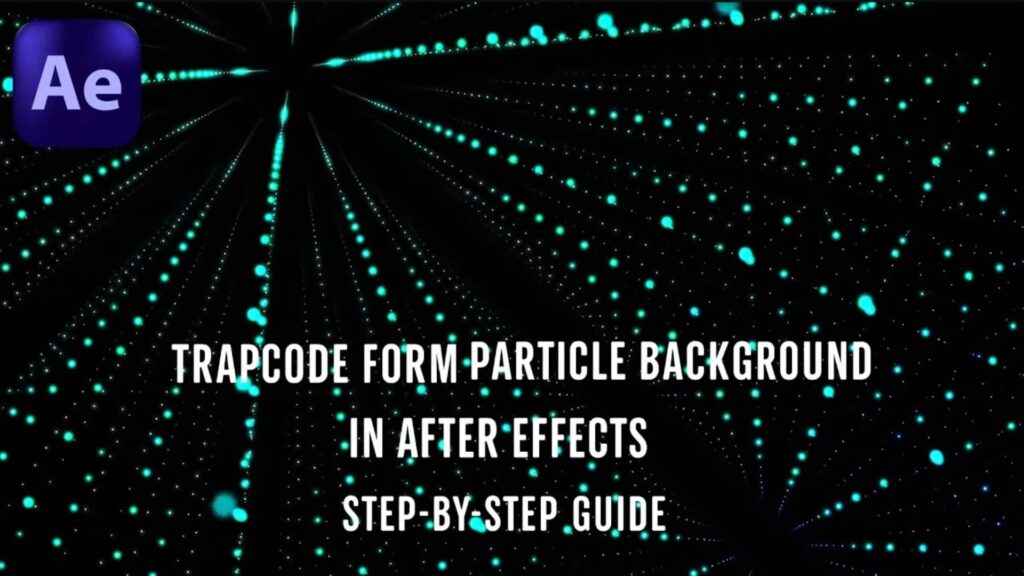
Learn how to design breathtaking particle backgrounds using Trapcode Form in After Effects! Whether you’re creating motion graphics, music videos, or cinematic intros — this tutorial gives you the tools to build dynamic and customizable particle scenes from scratch.
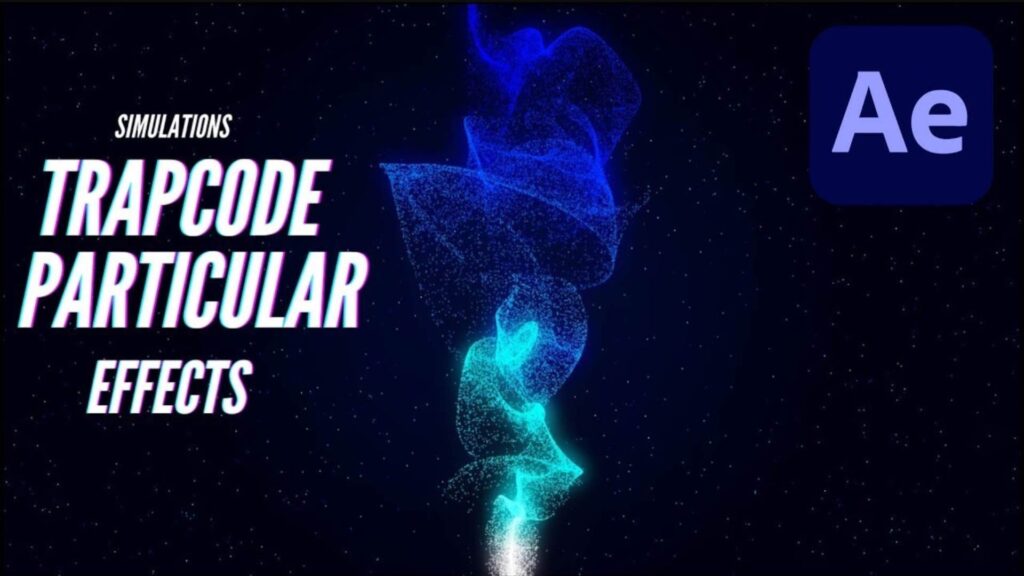
Dive into the world of stunning particle animations with this step-by-step Trapcode Particular tutorial in Adobe After Effects! In this video, you’ll learn how to create smooth, dynamic, and cinematic particle effects perfect for intros, music videos, and motion design projects. Whether you’re a beginner or an experienced motion designer, this tutorial will help you master Trapcode Particular with ease.
In this tutorial, you’ll learn how to create stunning and realistic particle simulations using After Effects. We’ll cover pro techniques to design cinematic particle effects for your motion graphics and visual storytelling.

In this After Effects tutorial, you’ll learn how to create dynamic energy wave particles using the Stardust plugin. Perfect for intros, sci-fi scenes, or abstract motion design. We’ll walk through the full process – from setting up emitters and forces to animating glowing particle waves that flow with cinematic energy.
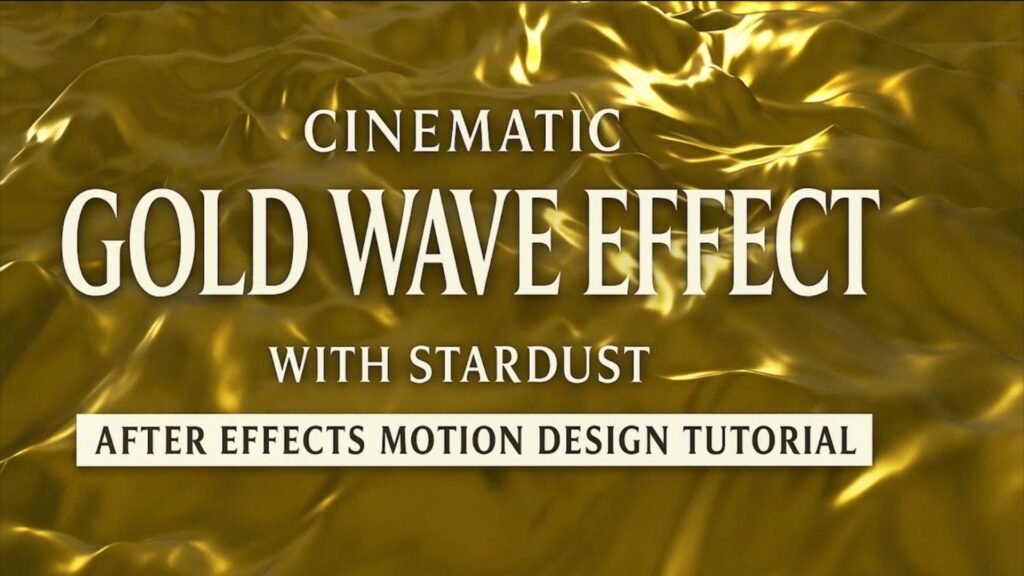
In this After Effects tutorial, learn how to create a luxurious gold wave animation using the powerful Stardust plugin. Whether you’re designing for motion graphics, VFX, or branding intros, this cinematic gold effect will add elegance and shine to your projects.
Unlock the full power of Trapcode Particular in Adobe After Effects and create breathtaking particle animations! In this tutorial, you’ll learn step-by-step how to design stunning effects using the Trapcode plugin — perfect for motion graphics, VFX, and cinematic intros. Whether you’re a beginner or advanced user, this tutorial will help elevate your visual creations to a whole new level.