AFTER EFFECTS
Simple Logo Animation After Effects, Logo Reveal Tutorial AE, Logo Animation After Effects Beginner, After Effects Logo Motion, Clean Logo Intro After Effects, Easy Logo Animation AE, Motion Graphics Logo, After Effects Branding Animation, Logo Animation No Plugins, Quick Logo Reveal AE
Bring cinematic depth to your videos with rich, realistic fog in After Effects – no plugins required! In this tutorial, you’ll learn step by step how to create dynamic fog and mist effects that enhance atmosphere, add drama, and make your scenes look truly cinematic. What You’ll Learn: How to create thick and realistic fog in After Effects. Techniques for animating fog movement naturally. Adding depth and atmosphere to your scenes without plugins. Tips to blend fog seamlessly with your footage. Perfect for cinematic intros, title sequences, and dramatic storytelling videos. Subscribe for more After Effects tutorials and motion graphics tips every week!

Create a Dramatic Opening Curtain Animation in After Effects – No Plugins! In this tutorial, you’ll learn how to design a cinematic curtain reveal animation in Adobe After Effects without using any third‑party plugins. Perfect for creating intros, event openers, theatrical presentations, or YouTube video openings! What You’ll Learn: How to animate realistic curtain opening movement Adding dramatic lighting and shadows for a cinematic effect Creating smooth transitions for intros and title reveals Tips to make the animation professional and eye‑catching This After Effects tutorial is beginner‑friendly and requires no plugins, only native AE tools! Subscribe for more After Effects tutorials, motion graphics tips, and cinematic animation tricks every day!
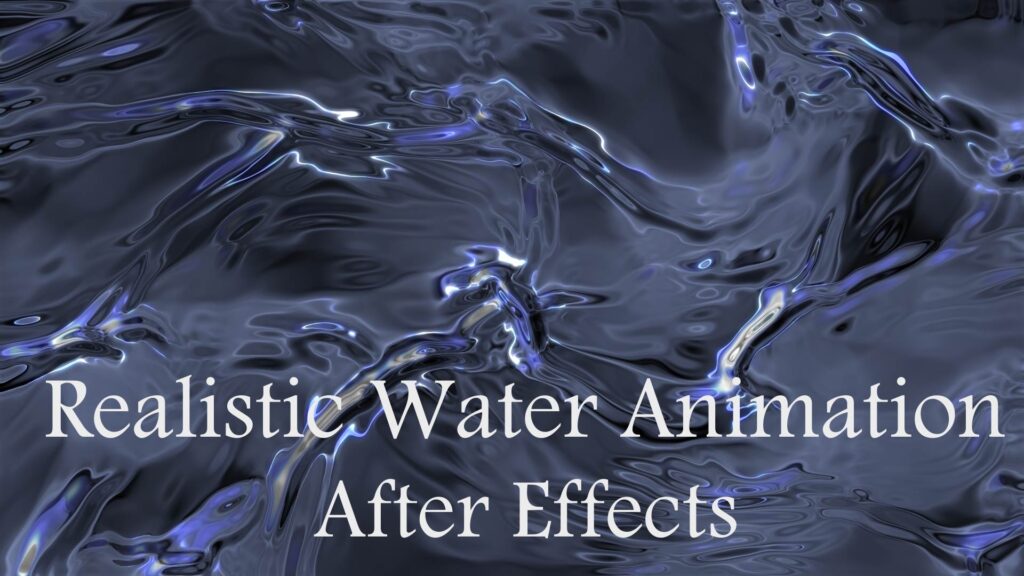
In this advanced After Effects tutorial, you’ll learn how to create realistic flowing water effects using Trapcode Mir and Sapphire’s Emboss Distort plugin. This cinematic water FX can be used in title sequences, VFX shots, or motion design intros.What You’ll Learn: Setting up Trapcode Mir for liquid-like surface animation Using Sapphire’s Emboss Distort to simulate water distortion Creating reflections, highlights, and ripples Tips for enhancing realism with lighting and camera depth Perfect for visual effects artists, motion designers, and anyone looking to add high-end water visuals to their projects! No stock footage needed. High quality and customizable. Works with any composition size. Subscribe for more After Effects + VFX tutorials every week!
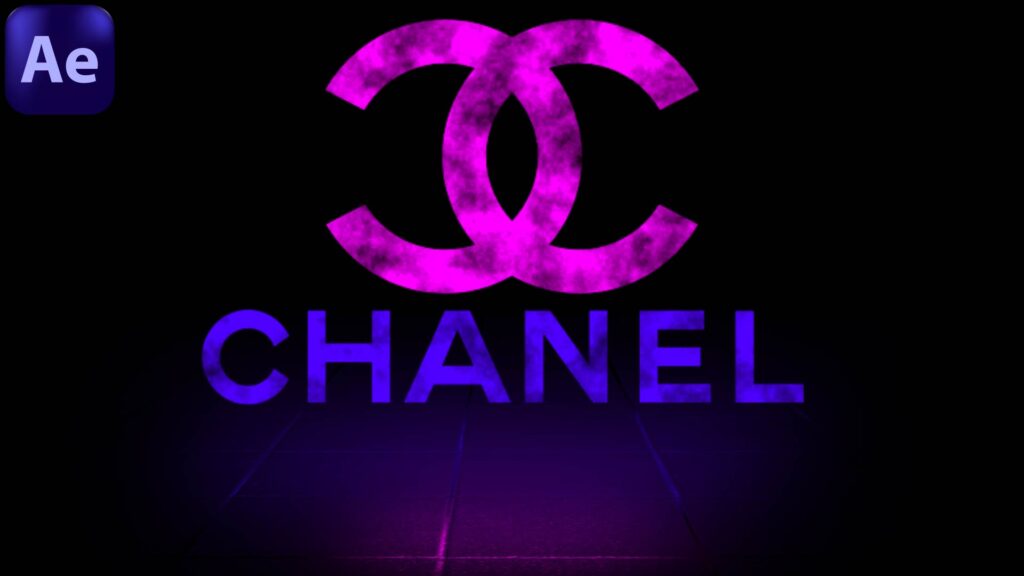
Learn how to create a cinematic Lighting Logo Reveal in After Effects without using any plugins! In this tutorial, we’ll go step by step to design a professional glowing light logo animation. Perfect for intros, branding, and YouTube openers. No third-party plugins required — only After Effects built-in tools. Don’t forget to Like, Share, and Subscribe for more tutorials on Motion Graphics, VFX, and 3D design.
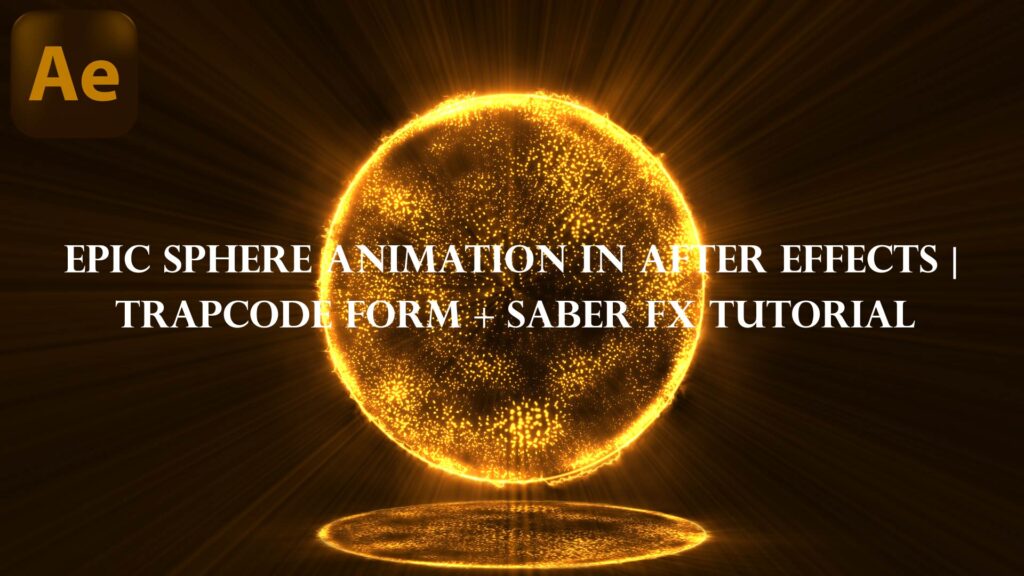
Learn how to create a stunning glowing circle background animation in Adobe After Effects – perfect for motion graphics, intros, or looped visuals. This step-by-step tutorial shows you how to build a seamless and shiny circle effect using simple techniques – no plugins required! Whether you’re a beginner or looking to enhance your AE skills, this video will help you create smooth and professional results. What you’ll learn: Create glowing animated circles Use shape layers and effects Loop the animation seamlessly Customize the color and glow. Don’t forget to like, comment, and subscribe for more motion design tutorials every week!
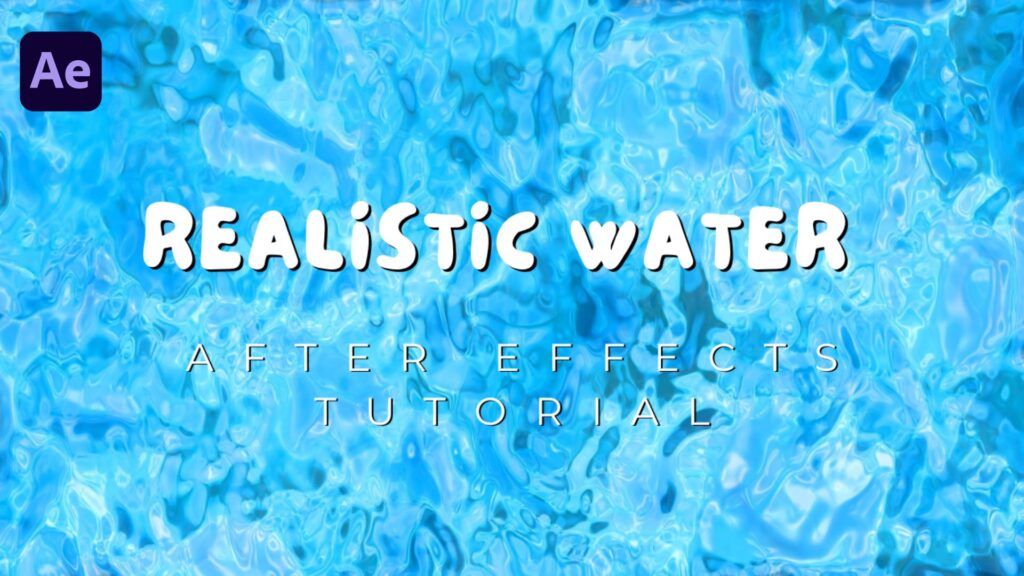
In this After Effects tutorial, you’ll learn how to create a stunning and realistic water effect without using any third-party plugins. We’ll walk through every step, from setting up your composition to adding depth, reflections, and dynamic movement for a cinematic look. Perfect for intros, title sequences, and creative VFX projects! What you’ll learn: Creating water textures and ripples Simulating realistic reflections and refractions Adding depth, highlights, and subtle distortions Enhancing realism with lighting and shadows Whether you’re a beginner or an experienced motion designer, this effect is easy to follow and fully customizable.
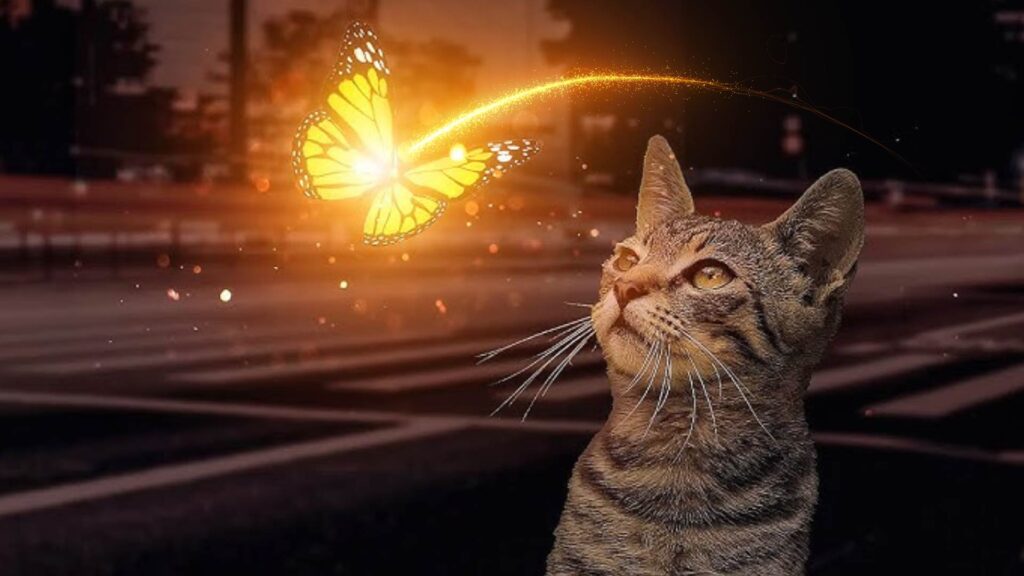
In this After Effects tutorial, you’ll learn how to create stunning particle animations using the Saber plugin. We’ll guide you step-by-step to design glowing energy particles, customize colors, adjust motion, and add cinematic effects for a professional look. Perfect for intros, VFX scenes, motion graphics, or any creative project that needs eye-catching energy effects. Whether you’re a beginner or an experienced motion designer, this tutorial will help you level up your After Effects skills! What You’ll Learn: How to use Saber plugin for glowing particle effects Customizing particle shapes, colors, and motion Adding cinematic lighting and glow for a polished look Pro tips for smooth animation and realistic energy trails Subscribe for more After Effects tutorials and creative motion design ideas every week!
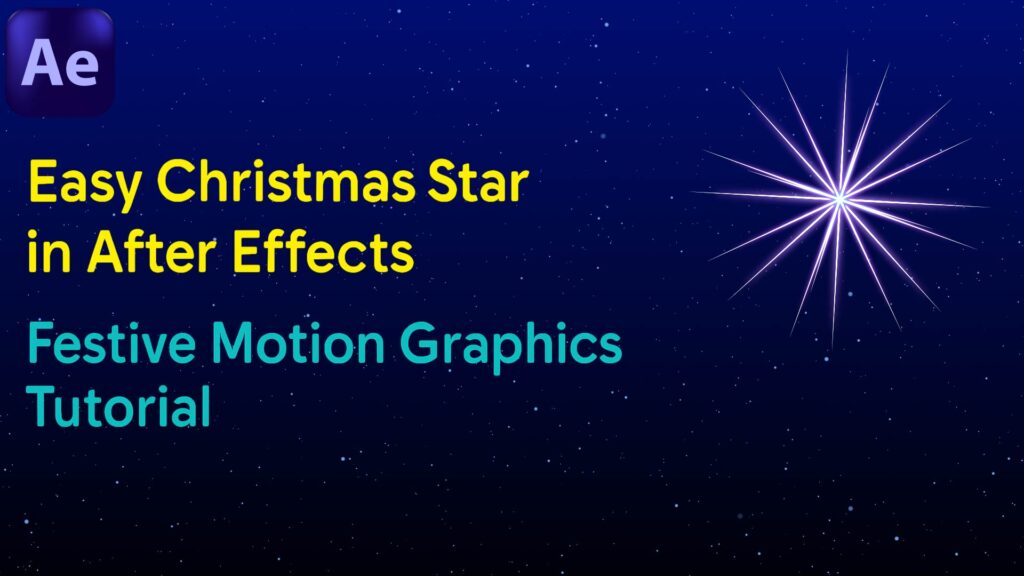
In this After Effects tutorial, you’ll learn how to create a simple yet beautiful Christmas star animation perfect for your holiday projects. We’ll guide you step-by-step to design, animate, and add a festive glow to your star — no plugins required! Whether you’re a beginner or an experienced motion designer, this effect is quick, easy, and perfect for Christmas intros, greeting videos, or festive motion graphics. What You’ll Learn: How to design a Christmas star shape in After Effects Adding glowing effects for a festive look Smooth animation techniques for a magical holiday vibe Tips for exporting your animation for videos or social media. Perfect For: Christmas videos Holiday greetings Social media animations Motion graphics projects