AFTER EFFECTS
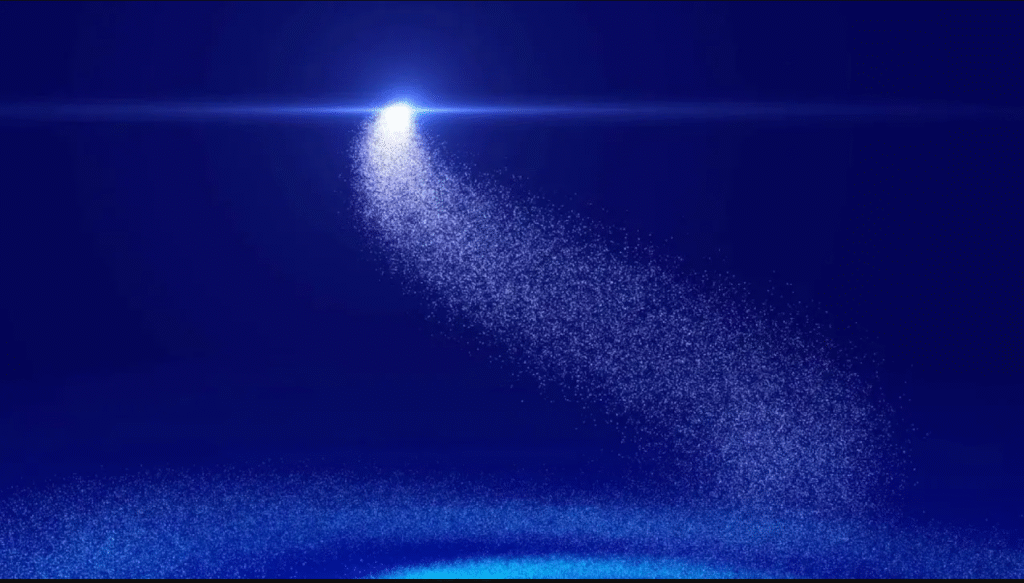
In this tutorial, you’ll learn how to create professional particle animation in After Effects using the Trapcode Particular plugin.
Step-by-step explained, perfect for beginners and advanced users.
Learn how to customize particle motion, color, size, and physics.
Great for creating cinematic VFX, motion graphics, and abstract animations.
Learn how to create stunning Liquid Motion FX in Adobe After Effects using the CC Ball Action effect! In this tutorial, we’ll transform a still image into a flowing liquid animation step-by-step. Perfect for beginners and motion graphics artists who want to add eye-catching liquid transitions to their projects. By the end of this tutorial, you’ll master: Liquify image effects using CC Ball Action Creating smooth liquid motion in After Effects Professional animation tricks for dynamic designs Don’t forget to Like , Subscribe , and Share to support the channel!
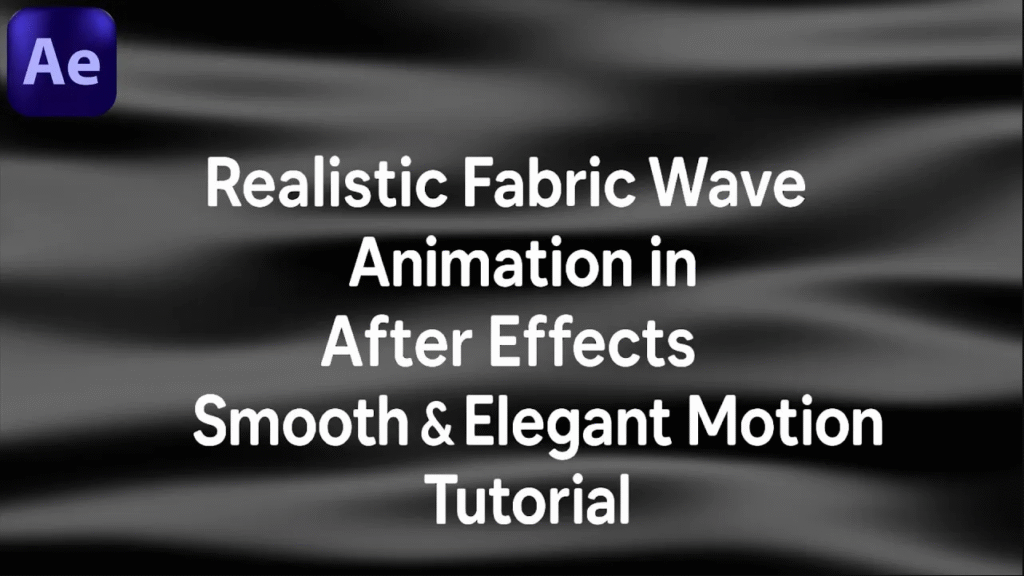
Learn how to create a realistic fabric wave animation in Adobe After Effects with smooth and elegant motion. In this step-by-step tutorial, we’ll cover the techniques to design fabric-like waves using shape layers, displacement effects, and smooth motion curves — no plugins required! Perfect for intros, elegant backgrounds, fashion ads, and cinematic motion graphics. Don’t forget to like, share, and subscribe for more After Effects tutorials!
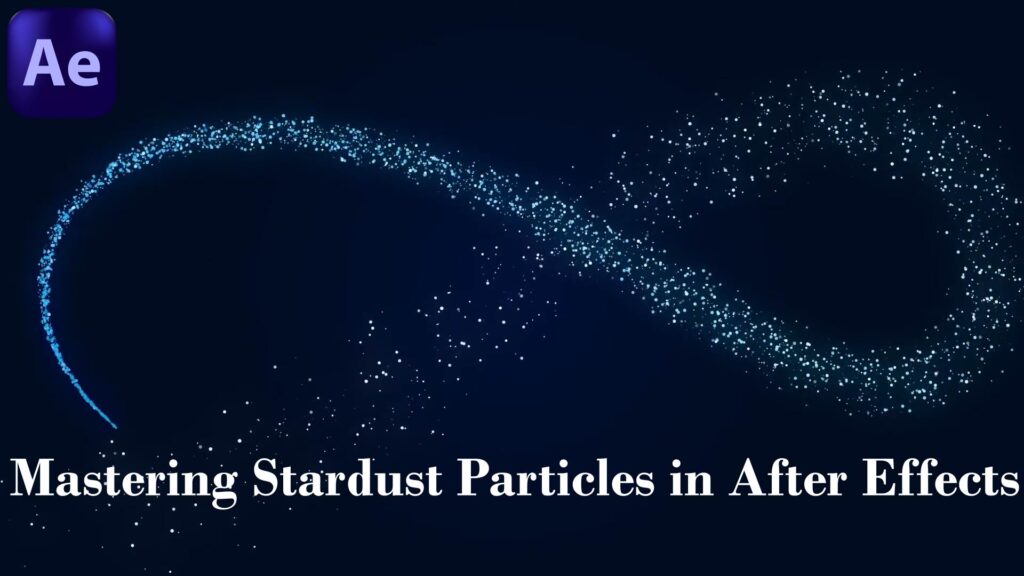
In this tutorial, you’ll learn how to master Stardust particles in Adobe After Effects and create stunning cinematic particle animations. We’ll cover everything step by step — from emitter setups, particle behaviors, turbulence, lighting, and depth of field — to achieve professional-looking motion graphics. Whether you’re working on a film intro, music video, or a VFX shot, this Stardust tutorial will help you unlock the full power of particles inside After Effects. No prior experience required — just follow along! Don’t forget to like, share, and subscribe for more After Effects & Motion Graphics tutorials.
ln this After Effects tutorial, we’ll create a particle logo animation without using any plugins. You’ll learn how to design elegant particle reveals, animate your logo with smooth transitions, and add cinematic motion using only the built-in tools inside After Effects. This is perfect for intros, branding animations, and professional logo reveals — all done without plugins! Easy step-by-step tutorial for beginners and intermediate users. Subscribe for more After Effects tutorials, motion graphics, and cinematic effects.
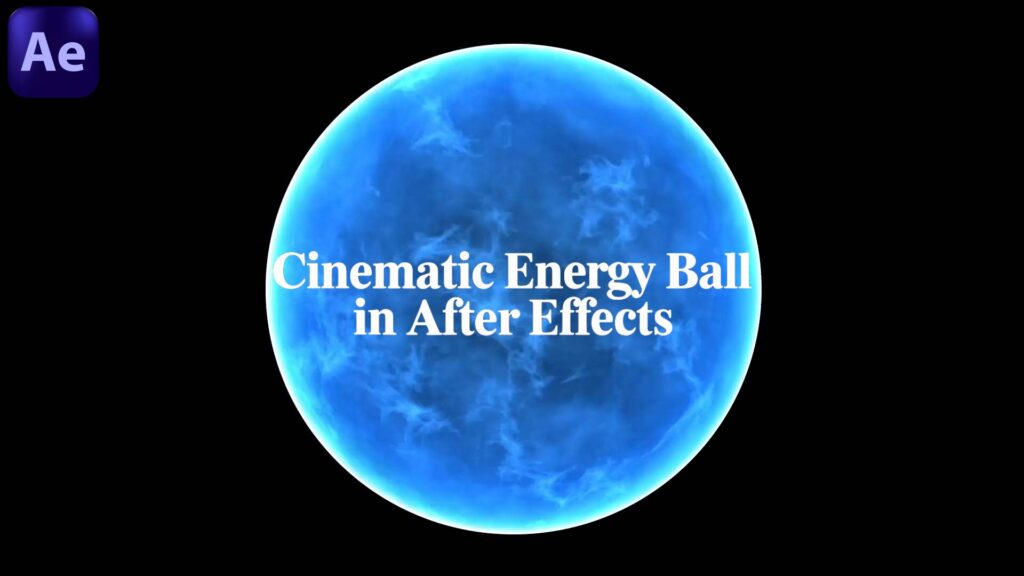
Learn how to create a cinematic glowing energy ball in Adobe After Effects step by step. In this tutorial, you’ll discover how to combine particles, glow, turbulence, and the Saber plugin to design a professional VFX energy effect used in movies and cinematic projects. Perfect for beginners and intermediate motion designers who want to add energy balls, power FX, and glowing effects to their videos. Plugins used: Trapcode Particular (optional) Saber (Free plugin from Video Copilot) Optical Flares (optional) Don’t forget to like , share , and subscribe. for more After Effects & VFX tutorials!
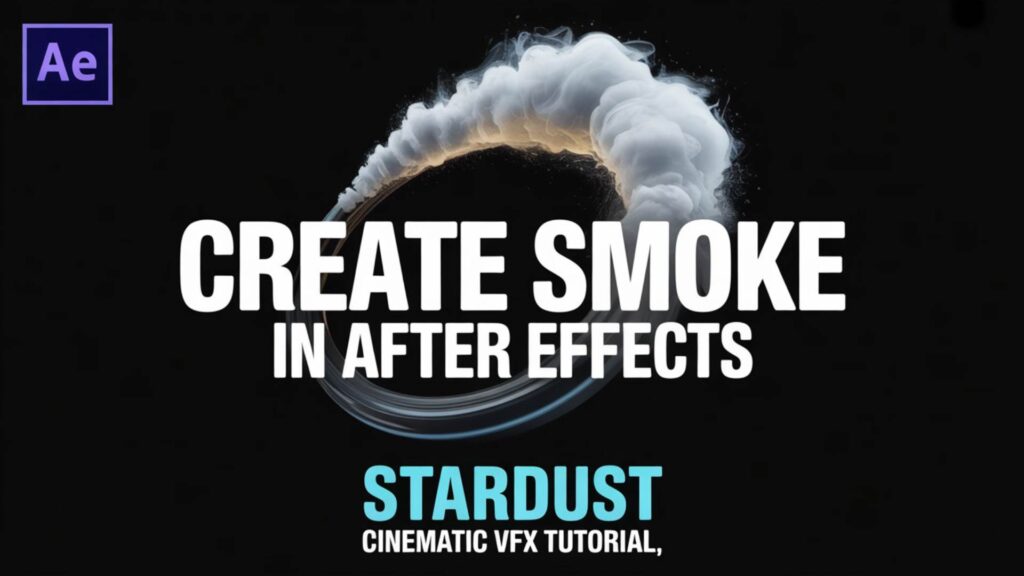
Create realistic smoke effects in After Effects using the Stardust plugin! In this tutorial, you will learn step by step how to design cinematic smoke with full control over particles, shading, and motion. Perfect for VFX, motion graphics, and cinematic projects. What you’ll learn: How to set up a smoke emitter in Stardust Using turbulence for natural motion Adding depth & shading for realism Creating cinematic lighting for smoke Subscribe for more After Effects & Stardust tutorials! By Graphic4U | Rania Sallam
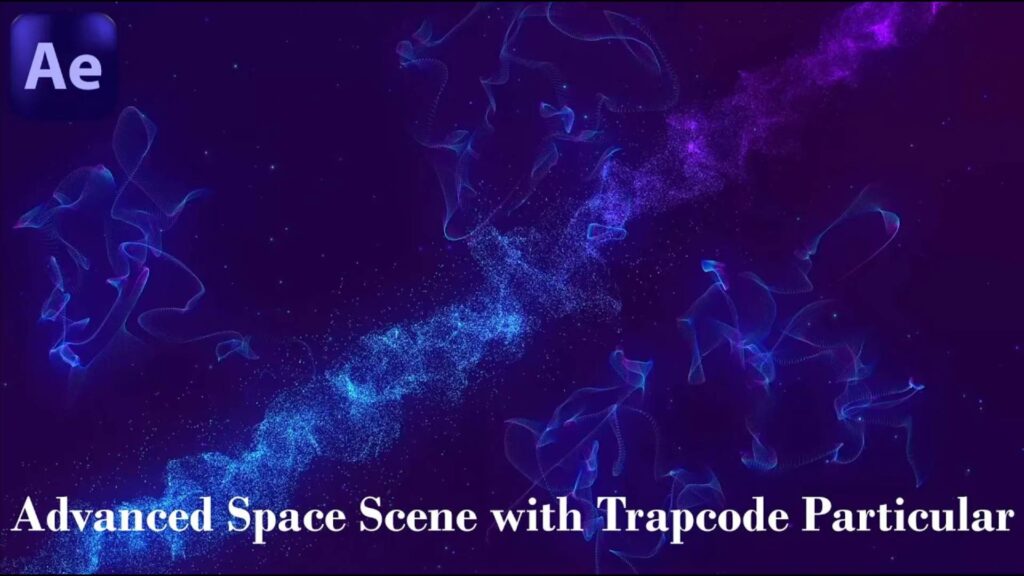
Create a stunning advanced space scene in After Effects using Trapcode Particular! In this tutorial, we will design a cinematic galaxy with particle systems, glowing stars, and depth effects to achieve a professional space environment. What you’ll learn: Setting up a starfield with Trapcode Particular Creating nebula & cosmic fog using particles Adding depth of field for realism Cinematic camera movement for space travel effect Perfect for motion graphics, sci-fi intros, and cinematic VFX projects! Don’t forget to like, share, and subscribe for more tutorials. By Graphic4U | Rania Sallam
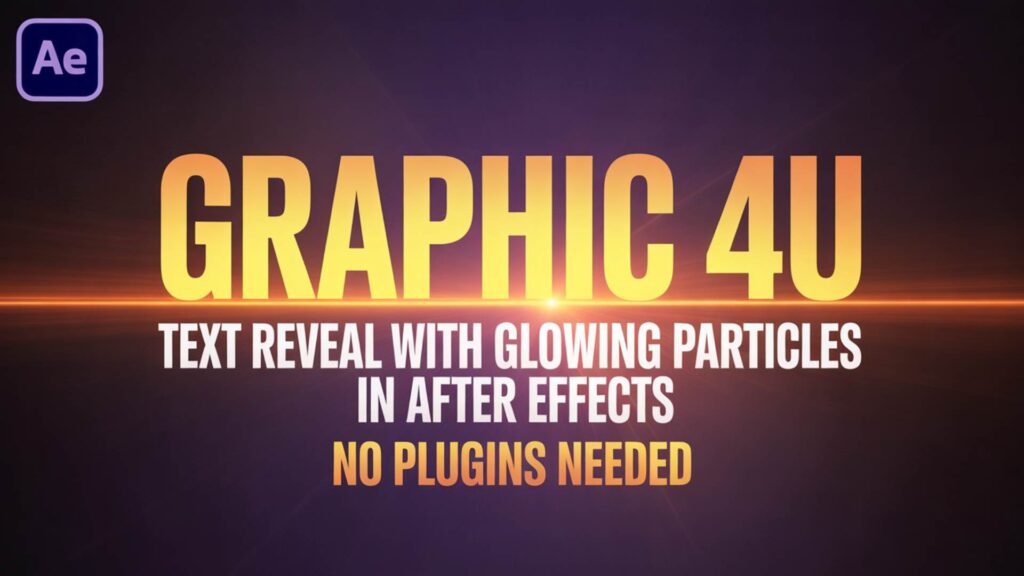
Unlock the power of After Effects with this Glowing Particles Text Reveal tutorial! In this step-by-step guide, you’ll learn how to create a stunning text animation with glowing particles – and the best part? No plugins needed! Whether you’re a beginner or an advanced motion designer, this effect will add a professional touch to your projects. Perfect for intros, titles, and cinematic openers. In this tutorial you will learn: How to create glowing particle effects in After Effects Text reveal animation step by step Add cinematic glow & light flares without plugins Easy tricks for beginners and professionals. Software: Adobe After Effects (No Plugins) Channel: Graphic4U | Rania Sallam